Project Expenses
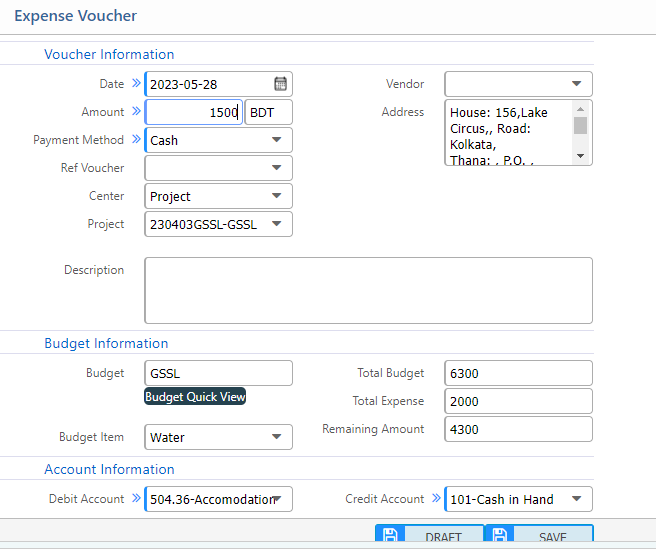
The Project Voucher is a core feature of the Project Accounting module in PrismERP, enabling users to allocate financial transactions directly to specific projects. During voucher entry, a project can be tagged, ensuring that the expense or income is accurately recorded under the designated project.
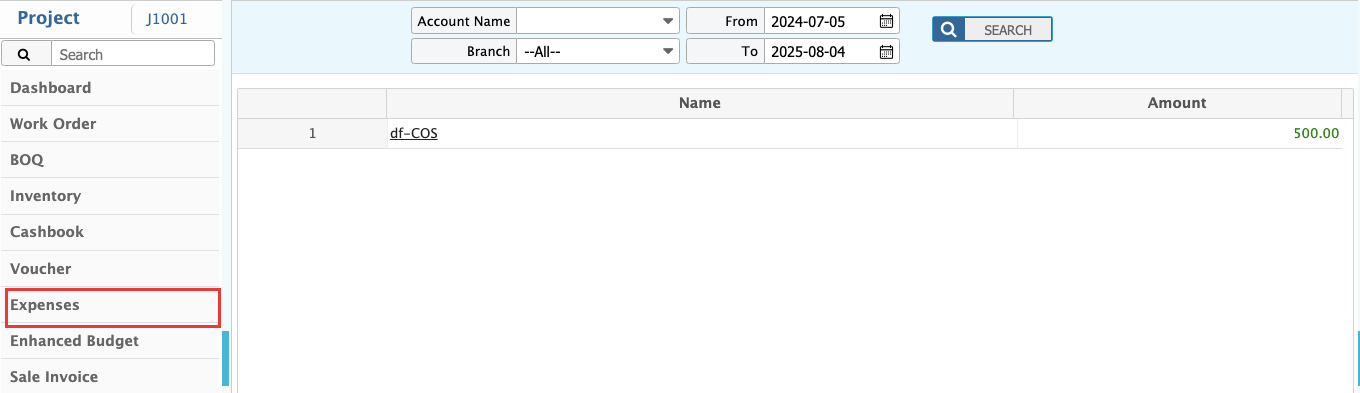
This feature supports project-specific financial tracking and improves visibility into actual spending versus allocated budgets. All tagged vouchers are automatically reflected under Project Expenses or Project Income, supporting detailed project financial analysis.
Key Features
Project Tagging on Voucher Entry
Allows users to associate vouchers with specific projects directly from the voucher creation screen.
Automatic Expense Posting
Once a voucher is approved, associated expenses or income are reflected in the respective project’s financial summary.
Multi-Project Support
Supports transactions involving multiple projects within a single voucher for flexible cost allocation.
Integration with GL & Budgeting
Ensures seamless integration with General Ledger and Project Budgeting modules for consolidated financial reporting.
Voucher Audit Trail
Maintains a complete audit trail of project-related voucher transactions for compliance and transparency.
Document Attachment
Supports uploading of relevant supporting documents (e.g., invoices, receipts) during voucher entry.
Steps to Utilize this Feature in PrismERP
To utilize the Project Voucher feature in PrismERP, system administrators must first enable the necessary configuration to display the project field on the voucher creation page.