Internal Requisition
The Internal Requisition module allows users to request, issue, and return products within the organization. It ensures proper tracking of inventory movement and maintains accurate stock levels.
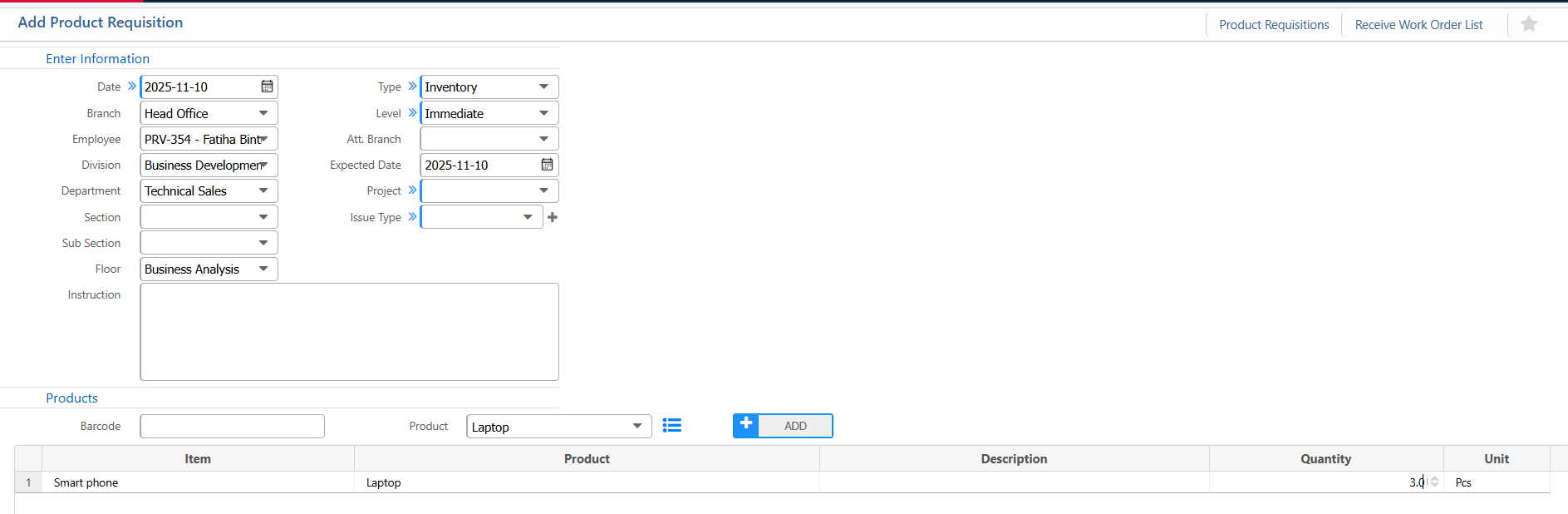
Product Requisition
- Date: Enter the date of the requisition.
- Branch: Select the branch
- Employee: Select the employee
- Division: Select the division of the employee.
- Type: Choose the requisition type
- Level: Specify the approval level
- Att. Branch: Select the branch responsible for attention/approval.
- Expected Date: Enter the expected date for receiving the products.
- Project: Link the requisition to a project, if applicable.
- Issue Type: Select the type of issue (e.g., consumable, asset).
- Product: Select the product
- Quantity: Enter the quantity
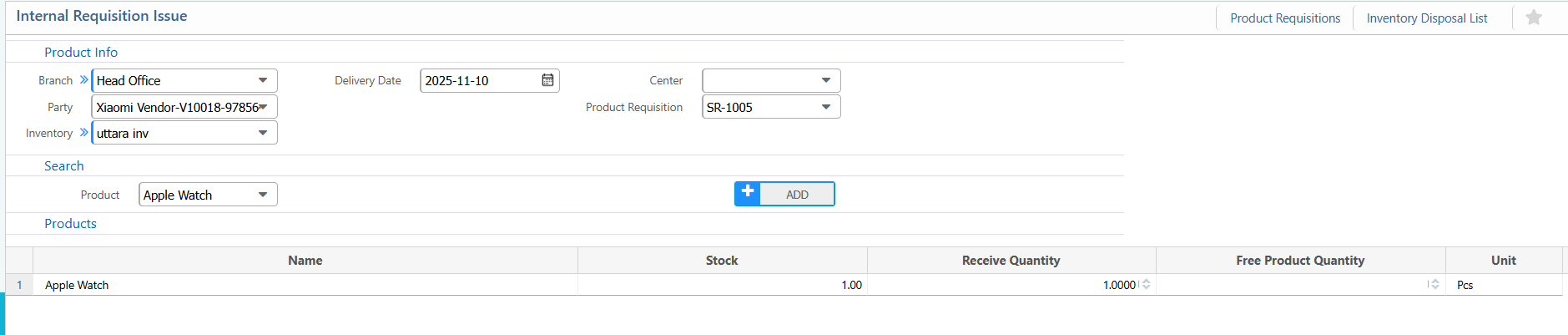
Internal Requisition
- Branch: Select the branch
- Party: Enter the party
- Inventory: Choose the inventory
- Delivery Date: Set the date when the products are being issued.
- Product Requisition: Link to an existing product requisition if applicable.(products will automatically load)
- Product: Select the product
- Quantity: Enter the quantity
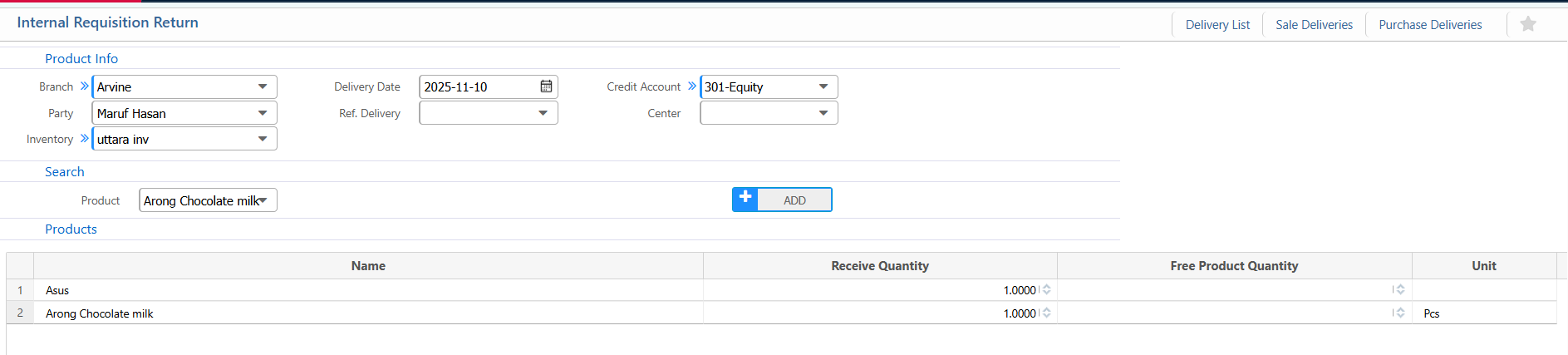
Internal Requisition Return
- Branch: Select the branch
- Party: Enter the party
- Inventory: Select the inventory
- Delivery Date: Set the date when the products are being returned.
- Credit Account: Choose the account where the return will be credited
- Product: Select the product
- Quantity: Enter the quantity