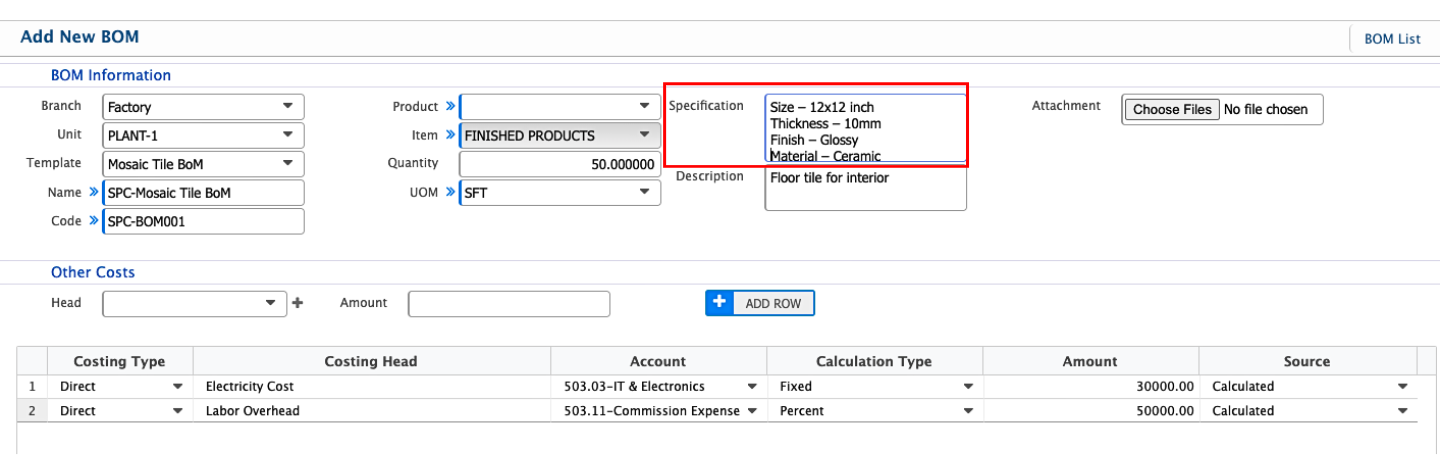
BoM Specification
In PrismERP, the Specification field in a BoM is used to input detailed information about each item included in the Bill of Materials. Users can specify attributes such as dimensions, material type, grade, color, texture, finish, thickness, weight, and other technical characteristics relevant to the product. The field supports free-text input, allowing users to provide precise descriptions that match production requirements. Multiple specifications can be entered for each item if needed, ensuring all necessary technical details are captured directly within the BoM record. Specifications entered in the BoM template are automatically available when creating a BoM, and they are also carried over into the Pre-Costing Simulation, providing consistency across manufacturing planning and cost calculations.