Employee Attendance
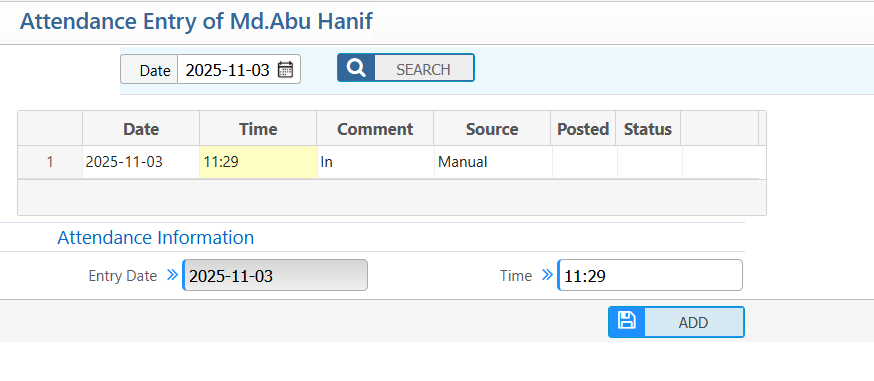
Manual Attendance Entry
Users can manually enter and view attendance data.
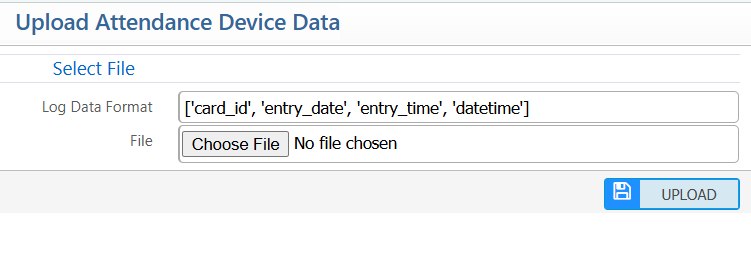
Attendance Device Data Upload
Users can upload attendance data from devices by selecting a file in the required format
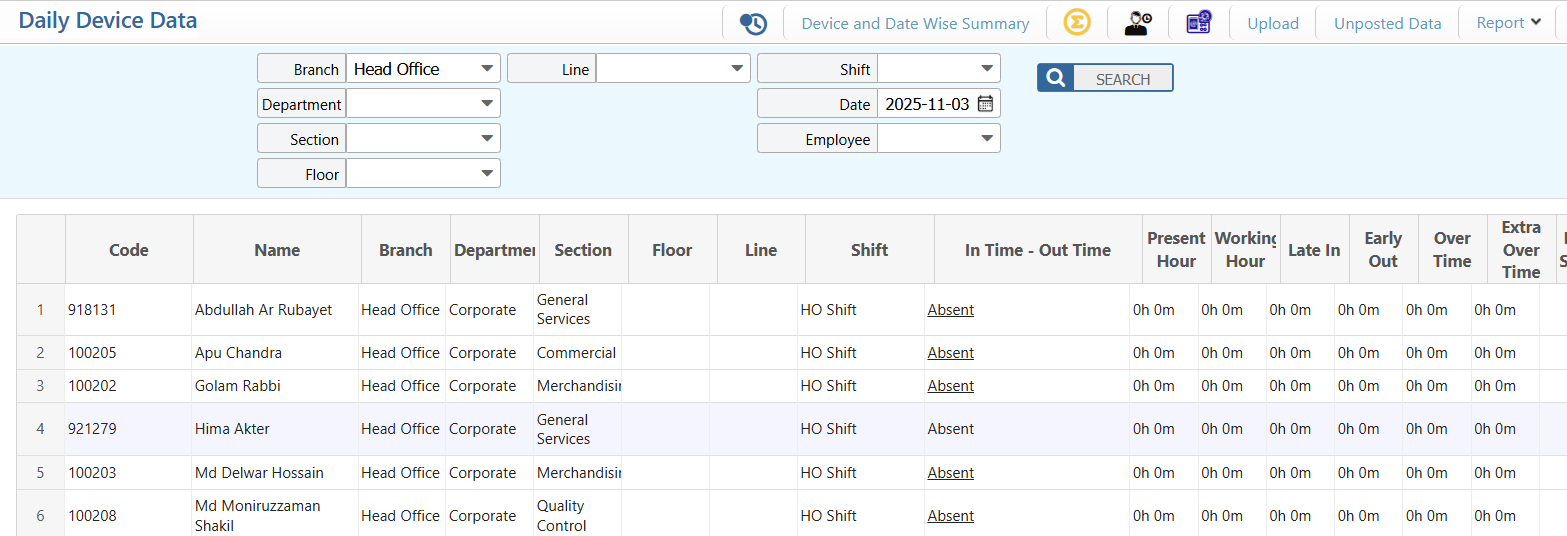
Daily Device Data Log
Users can view daily device attendance summaries by branch, department, section, shift, and date, showing in/out times, working hours, overtime, and post status for each employee.
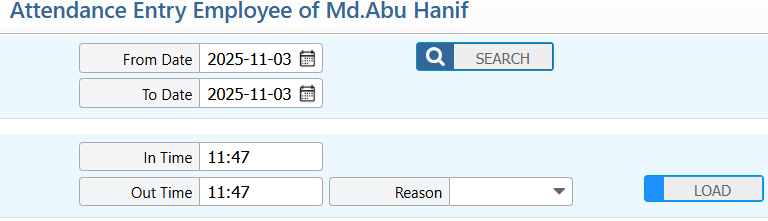
Employee Attendance Entry Request
- Users can submit and view their attendance requests.
- Supervisors can review and approve or reject these requests.
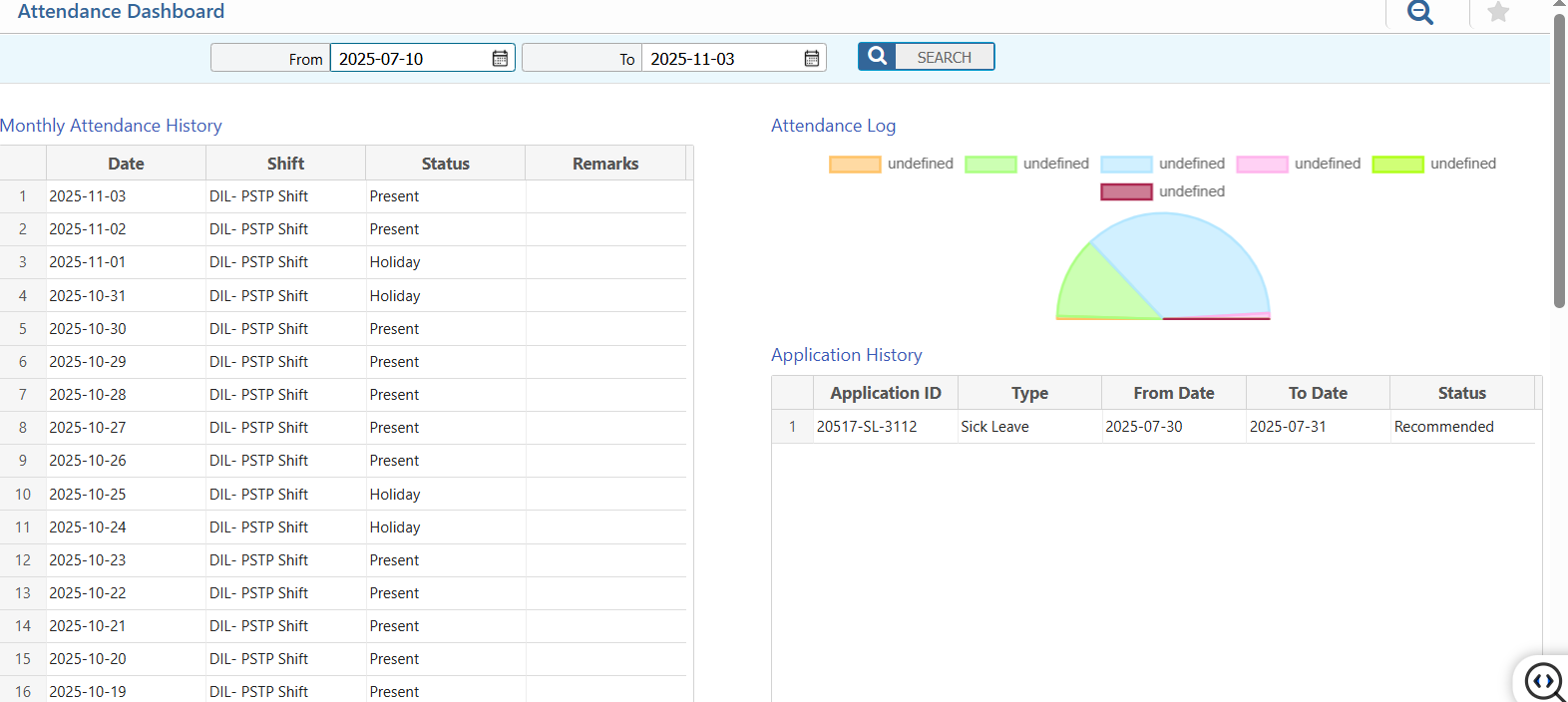
Attendance Dashboard
Users can view their attendance summary and history.
- Monthly Attendance History: See daily shift, status, and remarks.\
- Attendance Log & Application History: Track attendance entries and requests along with their status.
- Manager Dashboard: Managers can view attendance summaries and requests for their team members.
Movement Register
Users can track and request the movement of items within the company.
- Add Movement Register Application: Submit a request to move a single item.
- Batch Movement Register Application: Submit requests to move multiple items at once.
- Movement Register Application List: View all submitted movement requests and their status (approved, pending, or rejected)