Employee Leave
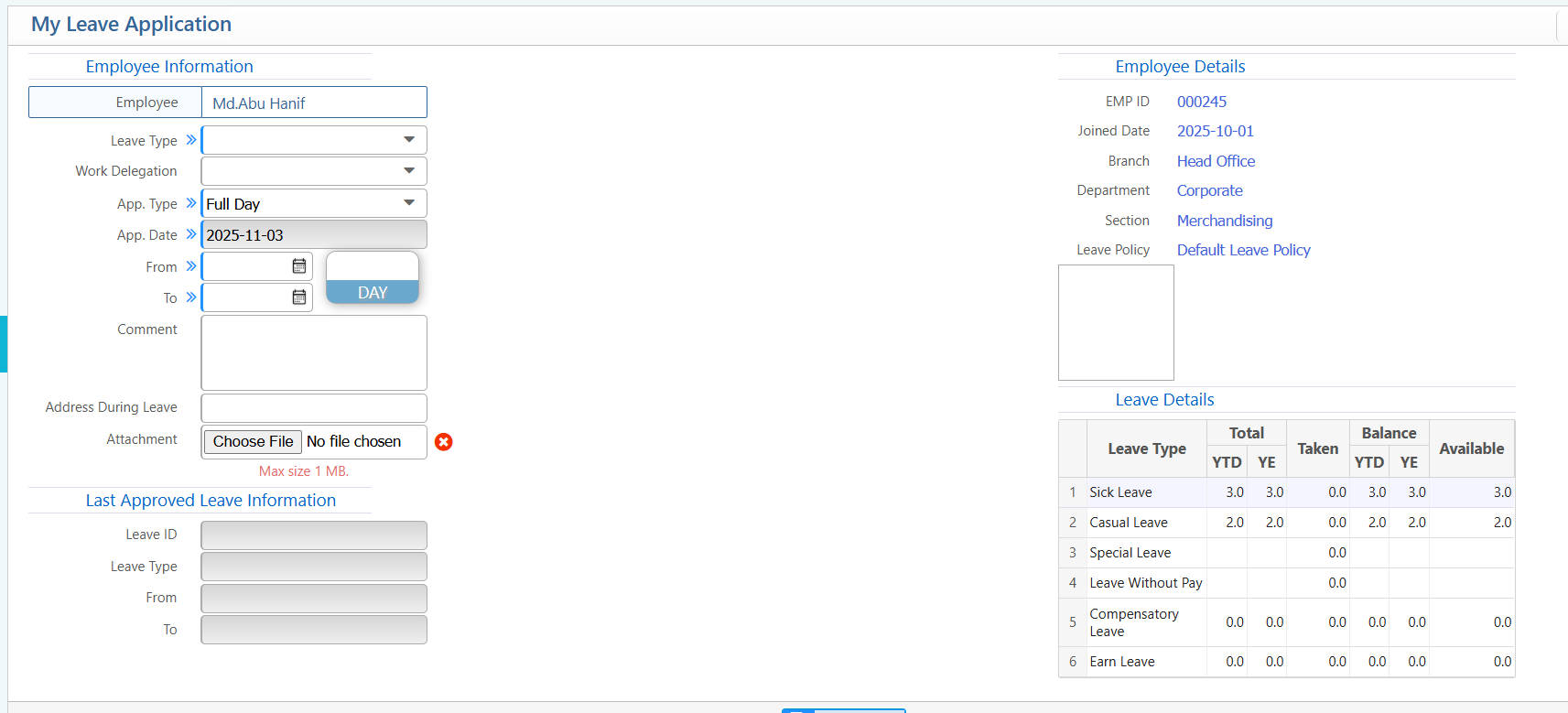
Leave Application
- Leave Type: Select the type of leave.
- Work Delegation: Choose who will handle your duties.
- Application Type: Full Day or Half Day.
- Emergency: Check if urgent.
- From / To Dates: Select start and end dates.
- Comment: Enter reason for leave.
- Address During Leave: Enter contact info/location.
- Attachment: Upload supporting files if needed.
Leave Recommendations & Approvals
Supervisors can recommend leave requests submitted by employees, and managers can approve or reject them.
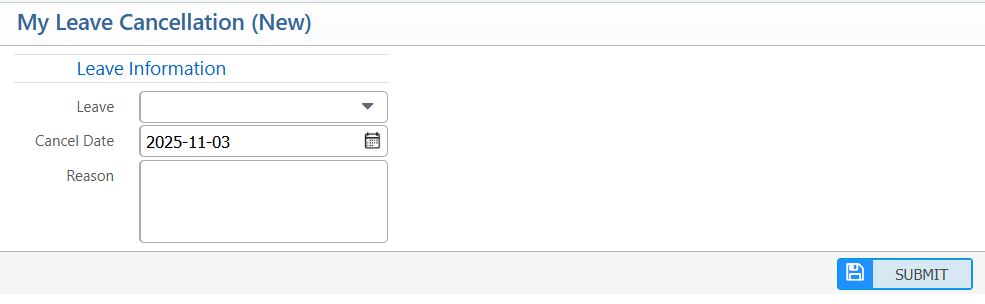
Leave Cancellation Request
Users can apply for leave cancellation and view the list of their cancelled leaves.
Leave Encashment
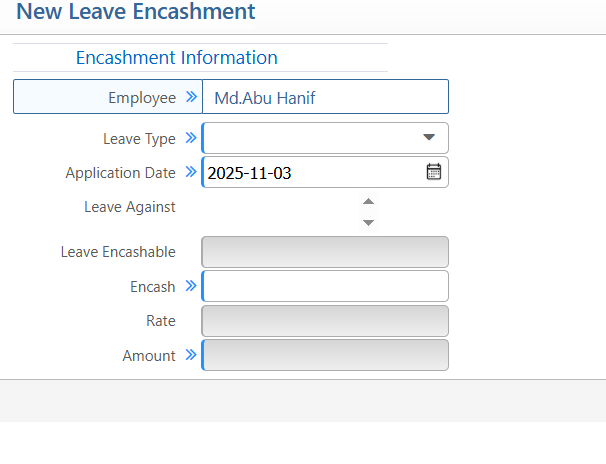
- Leave Type: Enter the type of leave.
- Application Date: Select the date of application.
- Leave Against: Specify the leave to be encashed.
- Encashable Leave: Enter the number of leave days.
- Rate: Enter the encashment rate.
- Amount: System calculates the total amount.
- Submit: Apply for leave encashment and view the list of requests.