BOM-Wise Requisition and delivery
BOQ Control Parameters in PrismERP ensure strict alignment between planned quantities and actual transactions, maintaining budget integrity and preventing unauthorized or excessive spending. These system-level checks validate each stage of the procurement and consumption process against the approved BOQ (Bill of Quantities) values.
Steps to Utilize this Feature in PrismERP
BOQ To Product Requisition QTY Validate
Ensures that the quantity requested through product requisitions does not exceed the quantity defined in the BOQ. This prevents over-requisitioning at the initial material request stage.
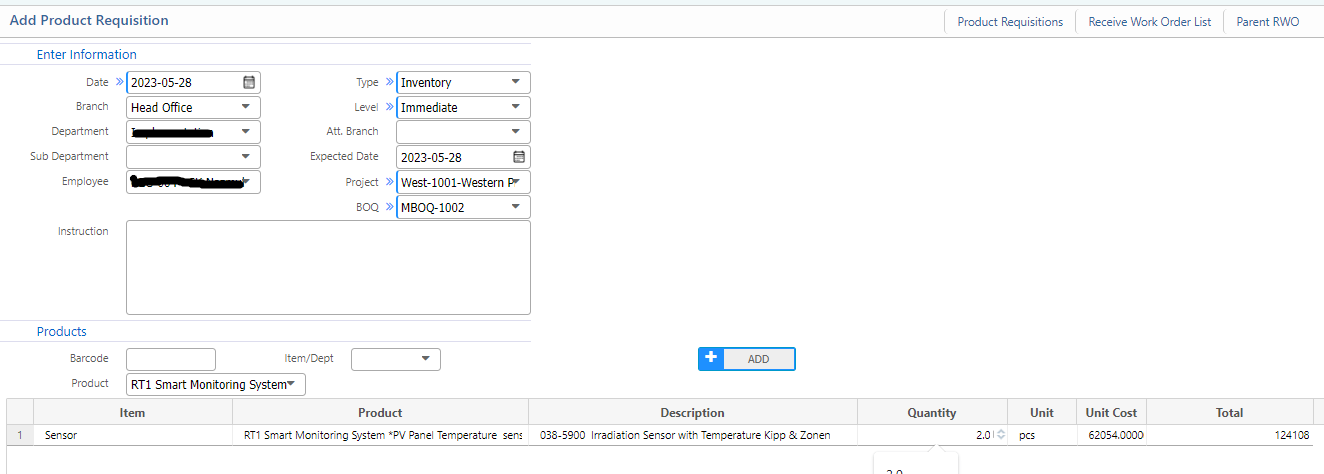
Product Requisition To Purchase Request QTY Validate against BOQ
Ensures that the quantity requested through product requisitions does not exceed the quantity defined in the BOQ. This prevents over-requisitioning at the initial material request stage.
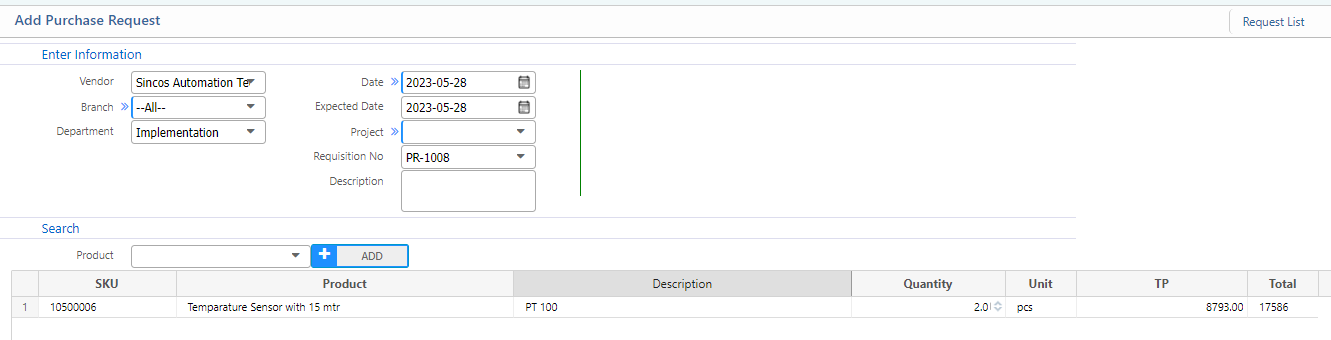
Purchase Request To Purchase Order QTY Validate against BOQ
Prevents creation of purchase orders for quantities that exceed what has been approved in the BOQ. Ensures procurement is strictly based on approved estimates.
Purchase Order To Purchase Invoice QTY Validate against BOQ
Checks that the quantity being invoiced does not exceed the BOQ quantity linked with the corresponding purchase order. This enforces compliance between purchasing and billing.
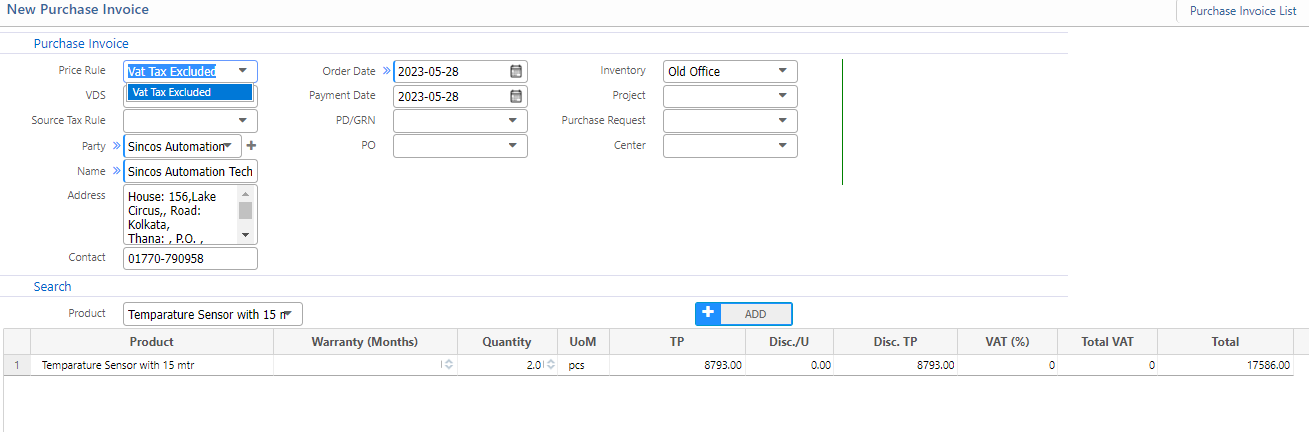
Purchase Invoice To Purchase Delivery Product QTY Validate against BOQ
Validates that the actual delivery quantity matches the quantity defined in the BOQ and invoiced, avoiding over-supply or delivery mismatches.
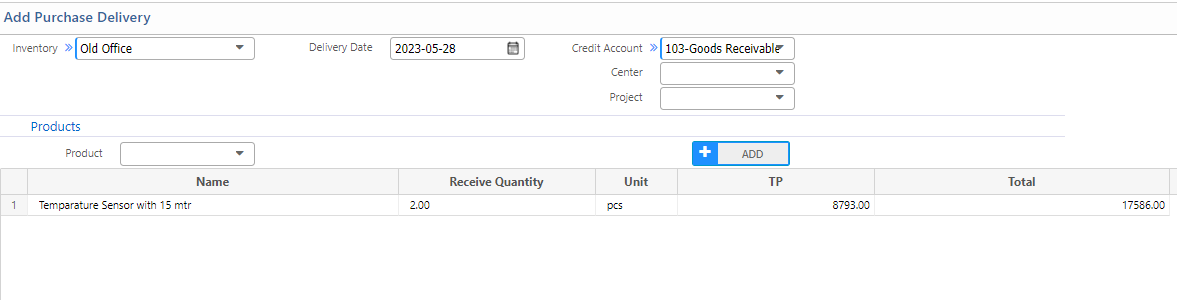
Project Wise Stock Validation On Spend Product against BOQ
Validates that the actual delivery quantity matches the quantity defined in the BOQ and invoiced, avoiding over-supply or delivery mismatches.
BoQ Validation On Inventory to Project Transfer against BOQ
When transferring materials from inventory to a specific project, this validation checks that the transferred quantity aligns with the BOQ. It helps in maintaining proper material flow as per project planning.