Book Management
Book Management is a feature designed to handle the systematic cataloging, issuance, return, and tracking of books and publications within an organization—typically used by libraries, academic institutions, or resource centers. It helps streamline all book-related activities, ensuring proper documentation and availability of resources.
Whether it's a university library, departmental book archive, or a training center's reading facility, this module centralizes all book-related records for efficient handling.
Key Features
- Book Cataloging (Title, Author, ISBN, Edition, Publisher, etc.)
- Category & Subject Classification
- Advanced Book Search (by title, author, department, etc.)
- Book Issue & Return Tracking
- Due Date Reminders & Overdue Alerts
- Student/Member Book Allocation Limit
- Book Reservation System
- Usage Reports & Statistics
- Damage or Loss Record Keeping
- User Access Control for Librarian and Reader Roles
4. Steps to Utilize this Feature in PrismERP
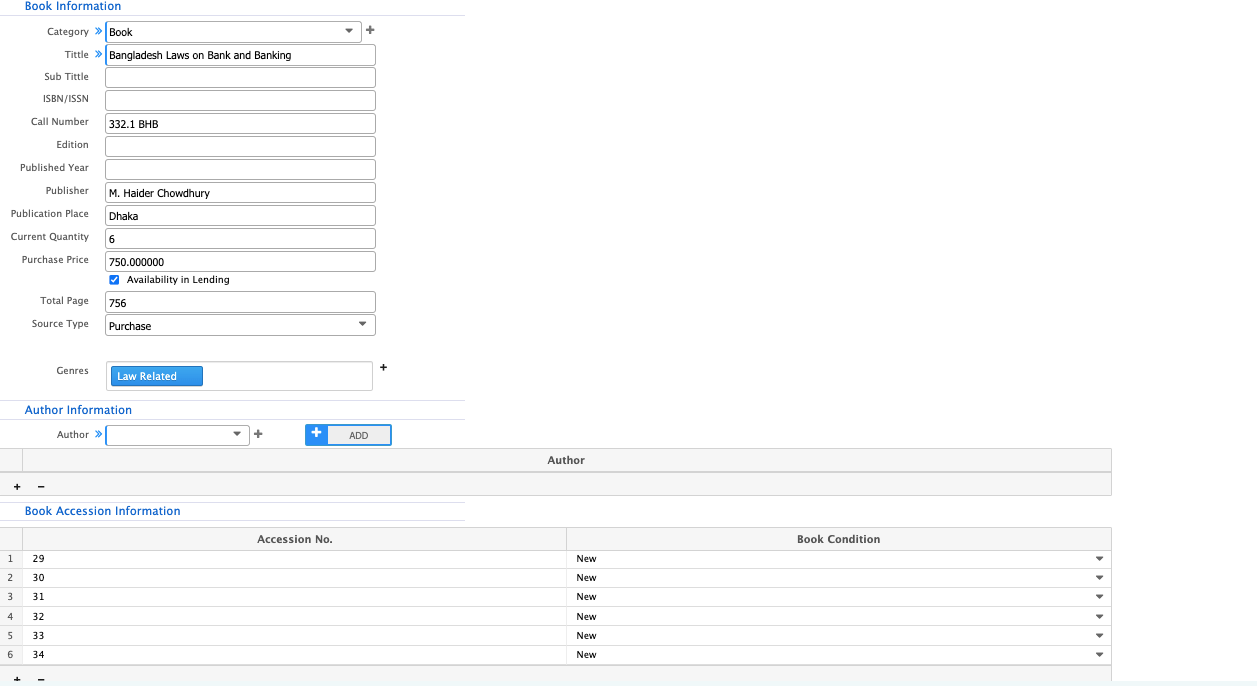
Add Books to the System
- Fill in details: title, author, ISBN, subject, shelf number, etc.
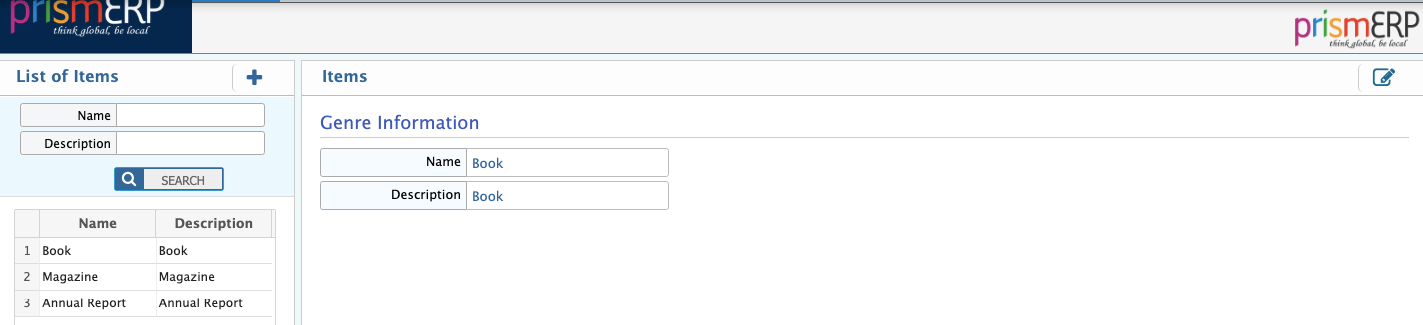
Genre Add Page

Genre List Page
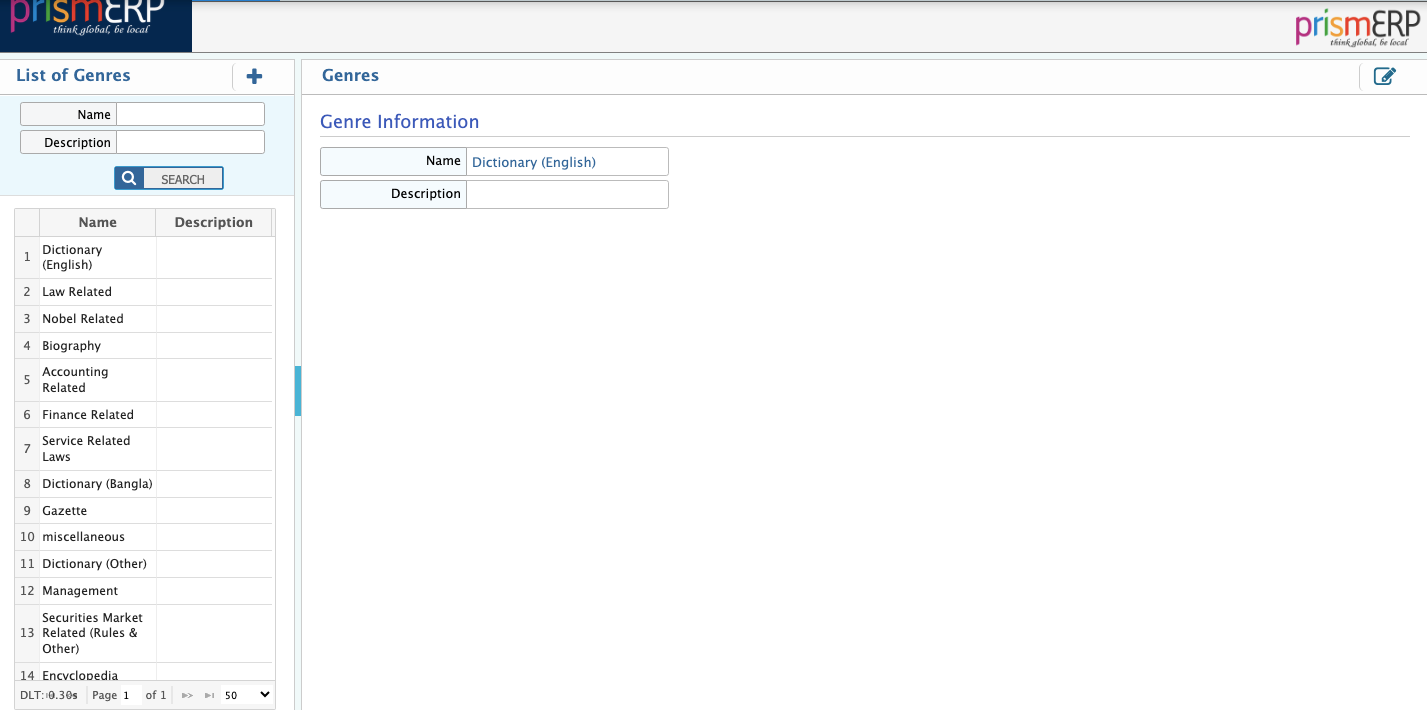
Book Add
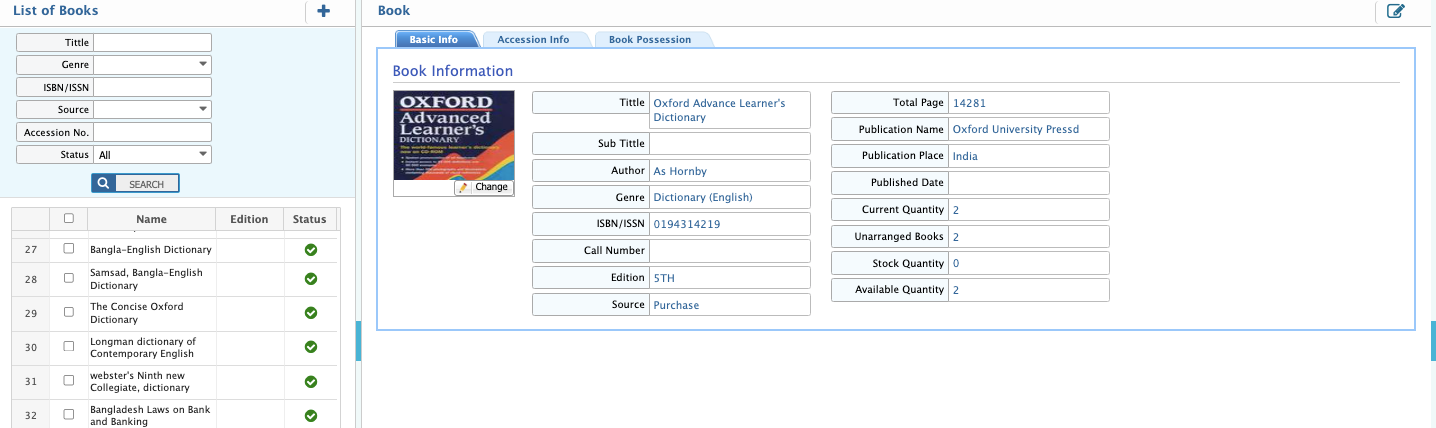
Book List
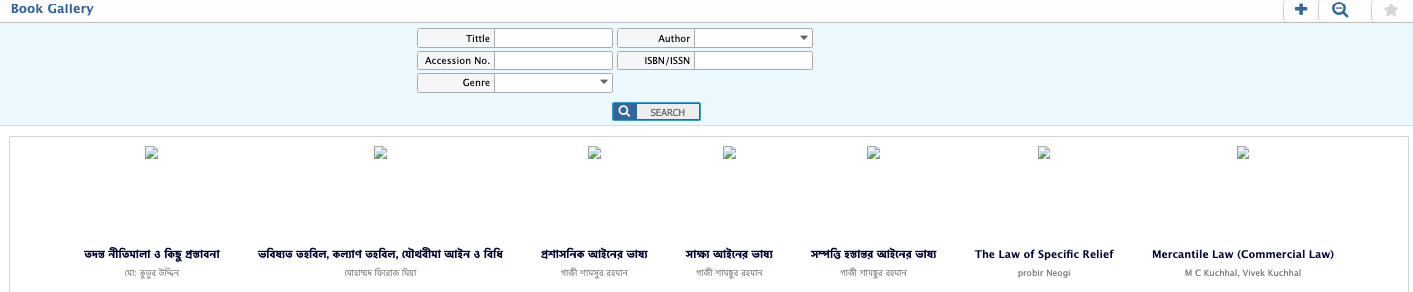
Books Gallery
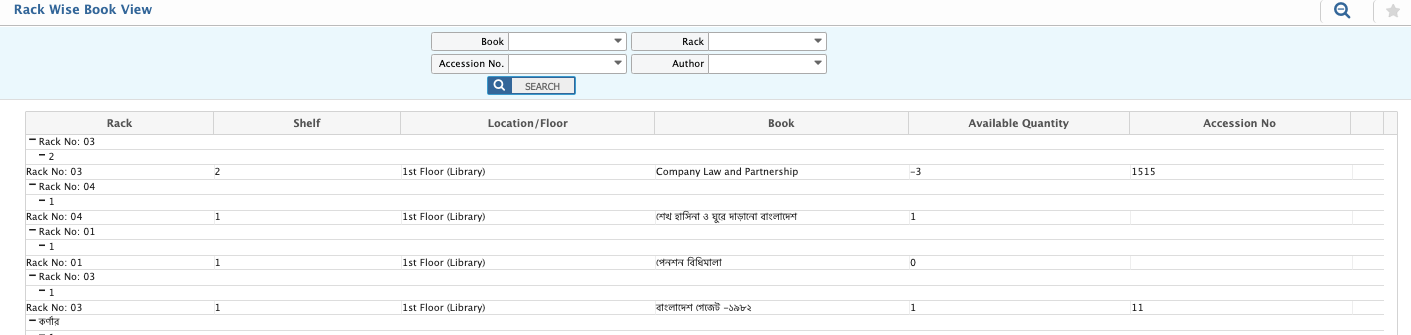
Rack Wise Book View
Define Categories & Rules
- Create book categories and borrowing rules by member type
- Set borrowing limits and return periods
Category Add Page

Category List Page
Issue or Return Books
- Select the student/member and the book
- Set issue and expected return date
- Update the return status when the book is returned
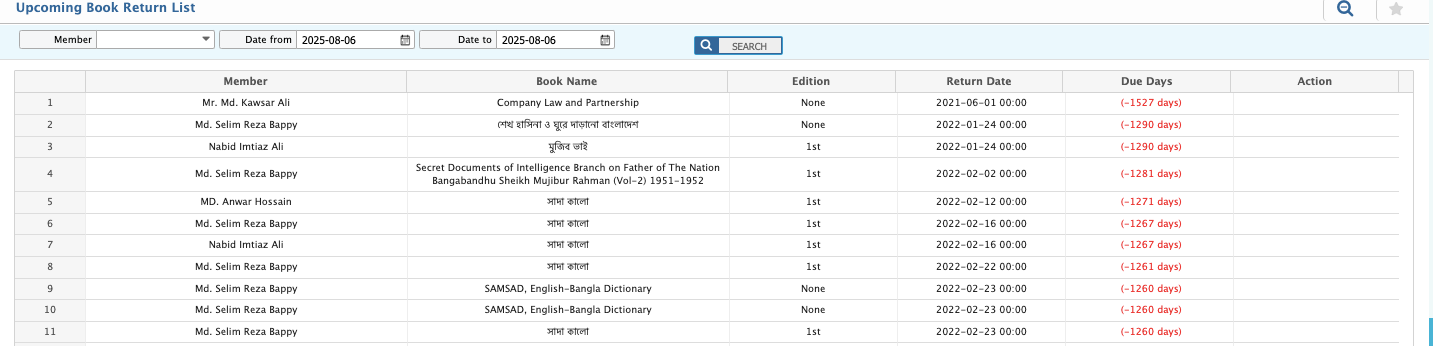
Upcoming Return Book List
Send Notifications
- Enable auto-reminders for due dates or reservation alerts through SMS or Email