Disciplinary Setup
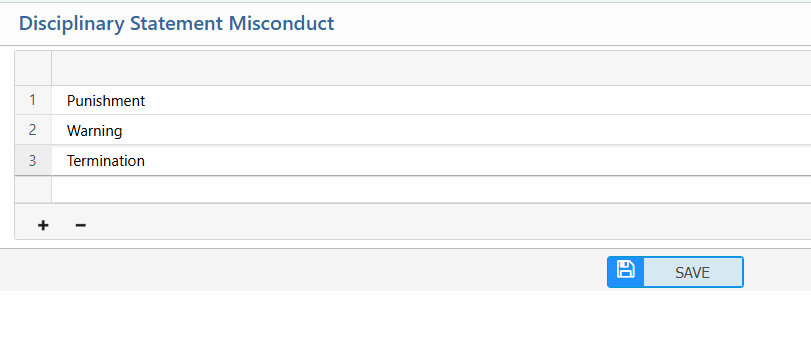
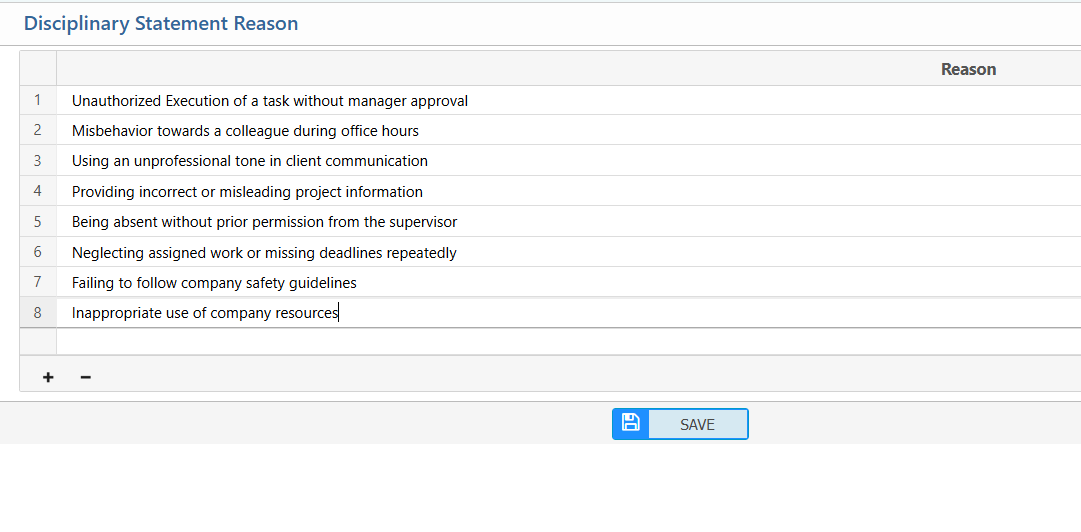
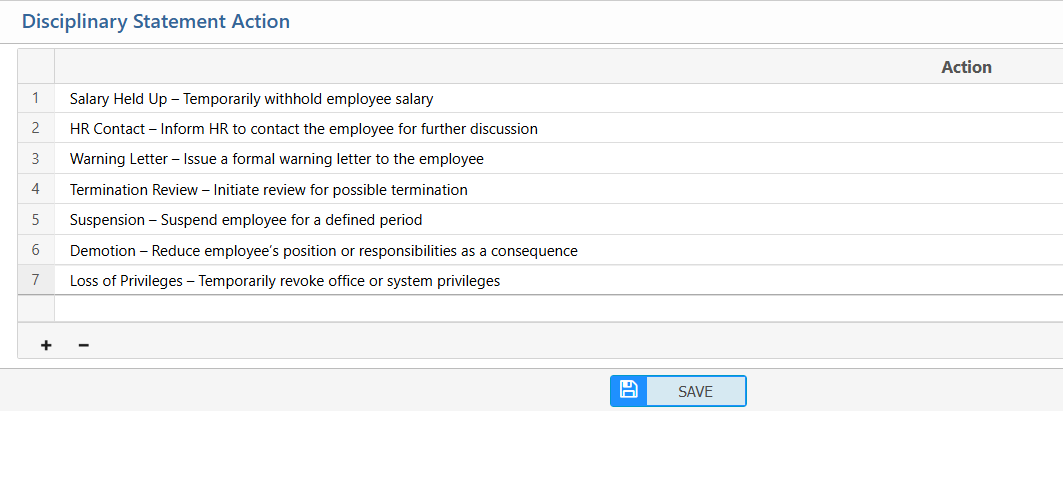
The Disciplinary Setup in PrismERP allows users to maintain and define the essential elements that support the disciplinary process. Users can add or edit Disciplinary Statement Reasons to capture why a complaint or misconduct occurs. They can also define Disciplinary Actions to specify the corrective measures or penalties associated with different types of behavior. Additionally, users can manage Misconduct Types to categorize employee actions clearly and consistently.
Add Disciplinary Statement Reason
| Field | Action |
|---|---|
| Add | Add a new reason by entering the reason description to include it in the list. |
| Edit | Edit an existing reason to update or correct its description. |
Add Disciplinary Statement Action
| Field | Action |
|---|---|
| Add | Add a new action by entering the action description. |
| Edit | Edit an existing action to update or correct its description. |
Add Disciplinary Statement Misconduct
| Field | Action |
|---|---|
| Add | Add a new misconduct type by entering its description. |
| Edit | Edit an existing misconduct type to update or correct its description. |