Inventory Level & Safety Stock
In PrismERP, the Inventory Level and Safety Stock feature helps users control product availability and avoid stock shortages in day-to-day operations. It ensures that products are always maintained at a safe level so that production, sales, or delivery is not interrupted.
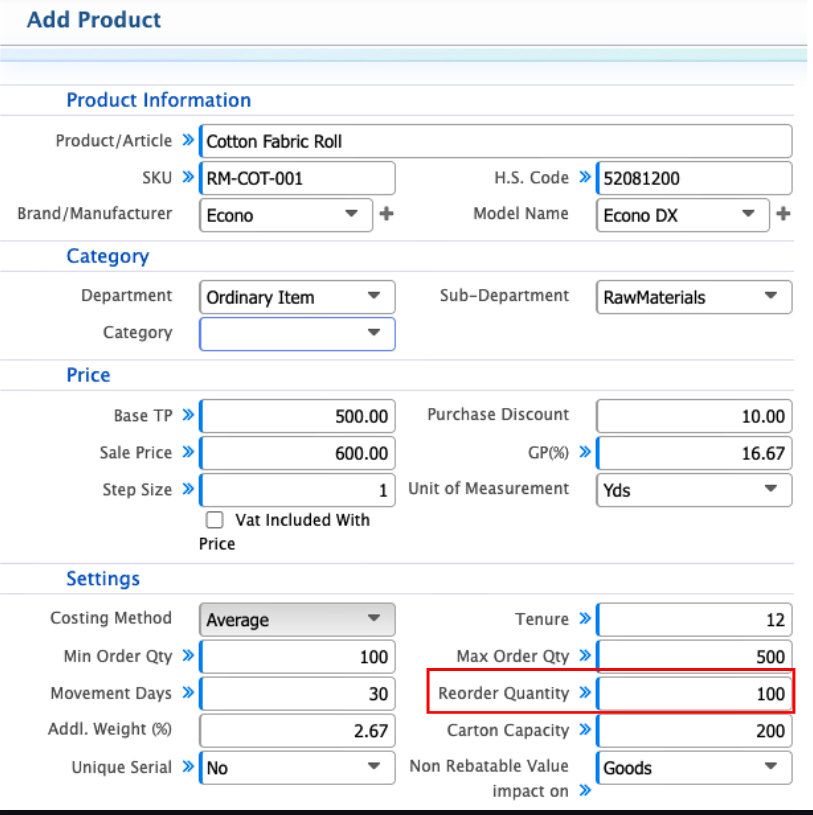
While adding a product, users need to enter the reorder quantity, which represents the safety stock level. This is the minimum quantity that should always remain in inventory. Once the available stock reaches or goes below this level, the system automatically identifies it as a reorder situation.
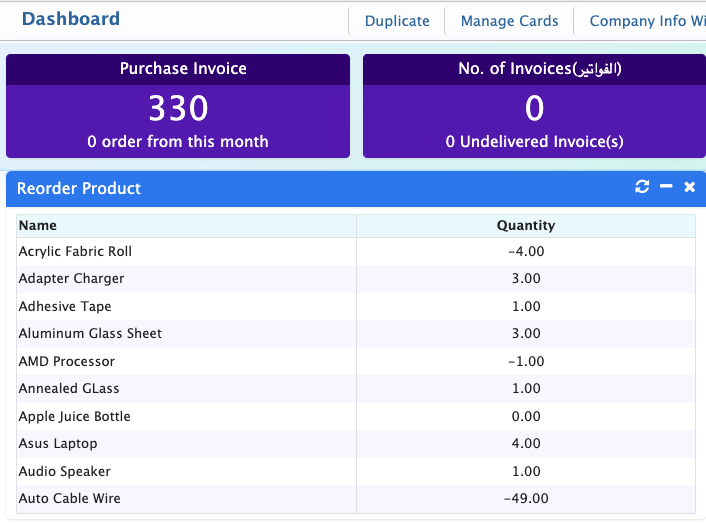
When this happens, PrismERP generates an alert to notify users that the product needs to be restocked. In the dashboard, users can easily see all products that have reached the reorder level. This gives a quick overview of low-stock items and helps manage purchasing and inventory planning more efficiently.