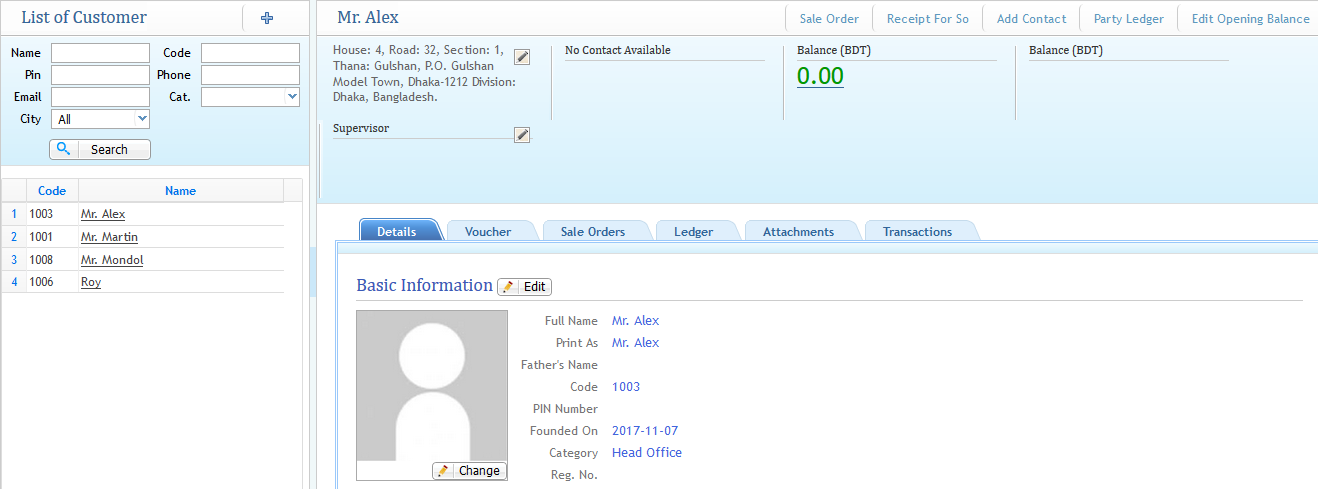
Customer Management
Managing the Customer
1) Add New Customer:
Customer List
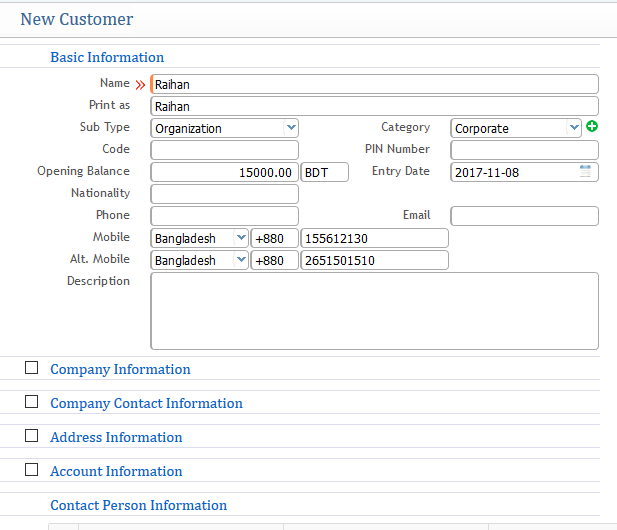
The window is similar to adding a new vendor.
The additional information which comes is the contact person information, which is shown below as screenshot:

You can provide the name of the contact person with the contact number for any customer company.
2) Customer List:
Shows the list of all the customers in the list page view.