Loan Disbursement
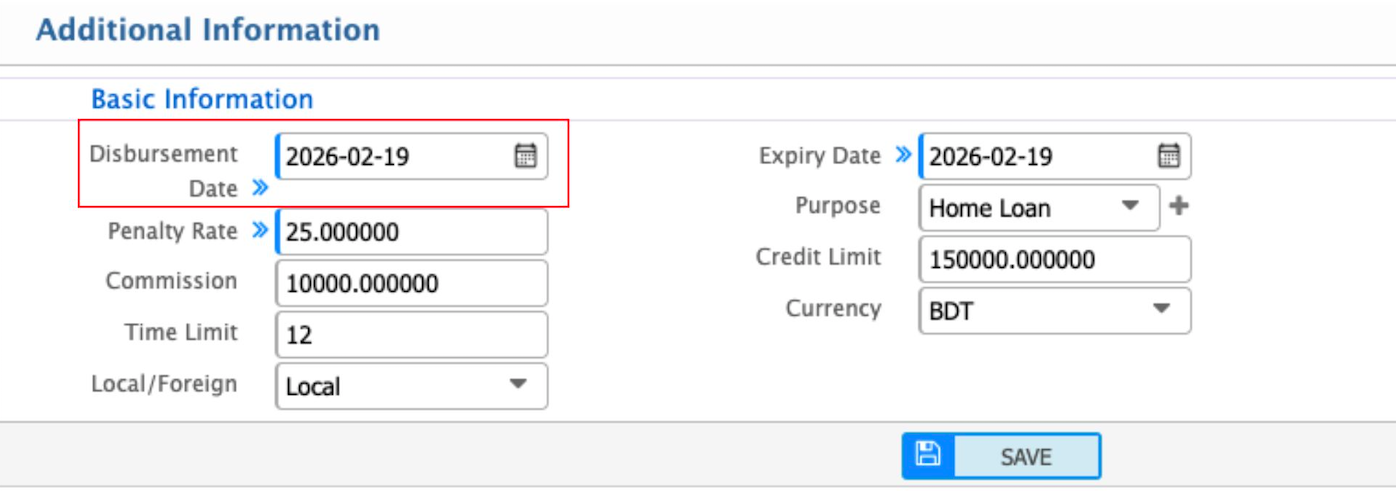
The Loan Disbursement section is where users record the details of when and how the loan is given. This includes the disbursement date, any penalty rates or commission, and the total time allowed to repay the loan. Users can indicate whether the loan is local or foreign, select the currency, and set the approved credit limit. The purpose of the loan and its expiry date are also recorded to keep everything clear. This ensures all important loan details are properly tracked in the system.