Branch Account Access Control
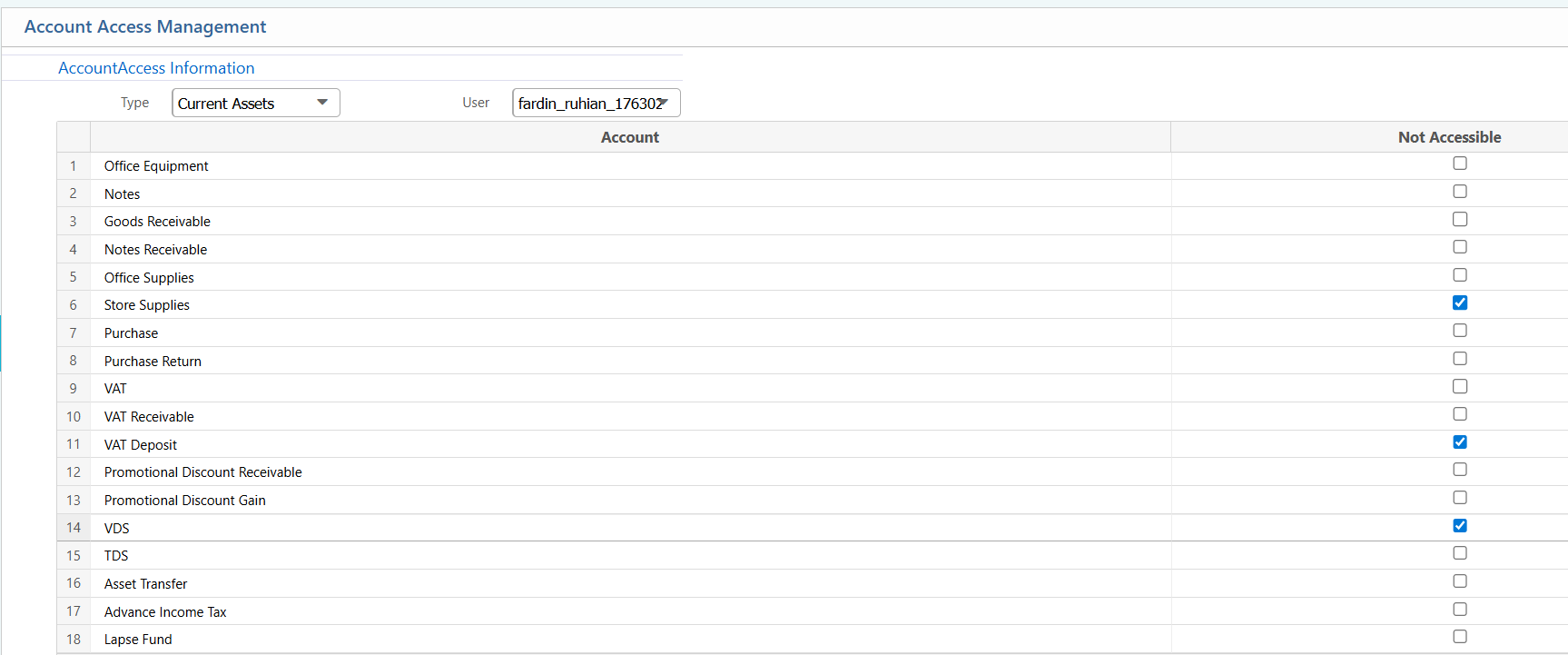
Branch Account Access Control lets administrators control which accounts a user can access within a branch. By choosing an account type and selecting a user, the system shows all relevant accounts. From there, specific accounts can be restricted by simply checking the boxes.
| Field | Action |
|---|---|
| Type | Select the account type to filter accounts for access management. |
| User | Select the user for whom access will be managed. |
| Account List | After selecting Type and User, a list of accounts appears with checkboxes. Mark a checkbox to make the corresponding account inaccessible for the selected user. |