Role Group Management – PrismERP
Role Group Management lets you create groups based on modules with specific permissions to allow precise permission control within roles.
How to Use This Feature in PrismERP?
-
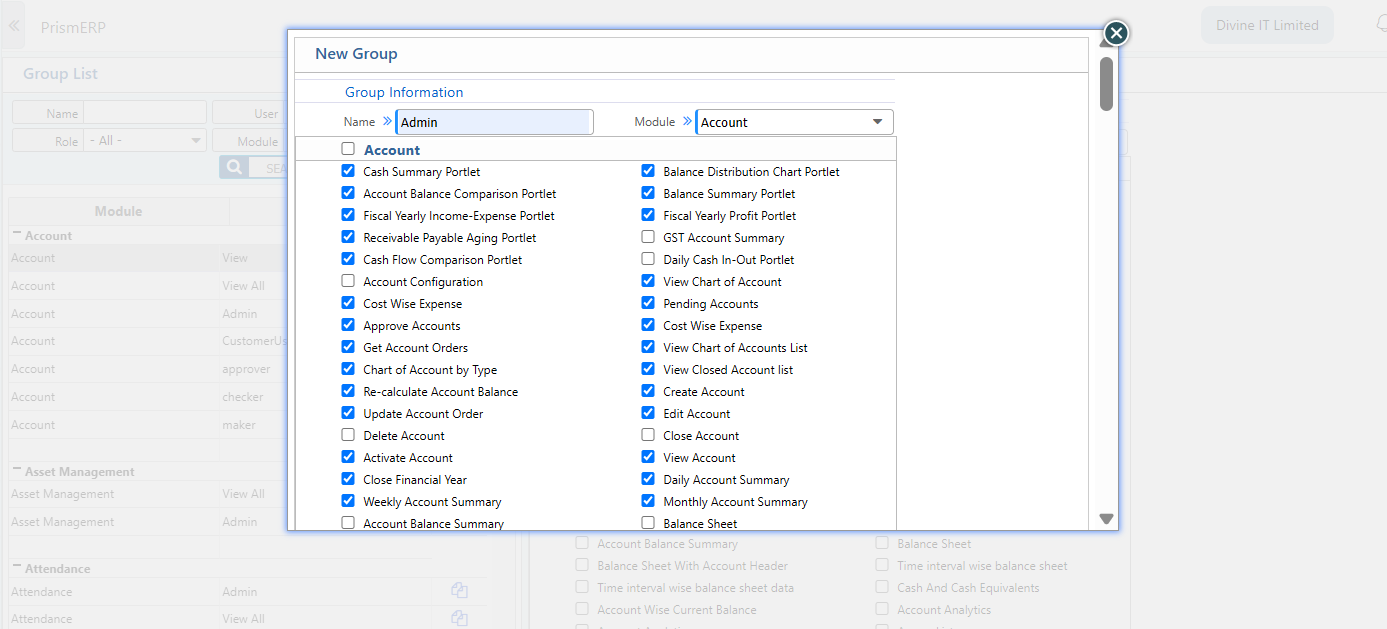
Navigation: Go to New Group.
-
Create a new group by providing a name and selecting a module.
-
Add the required permissions to that group.
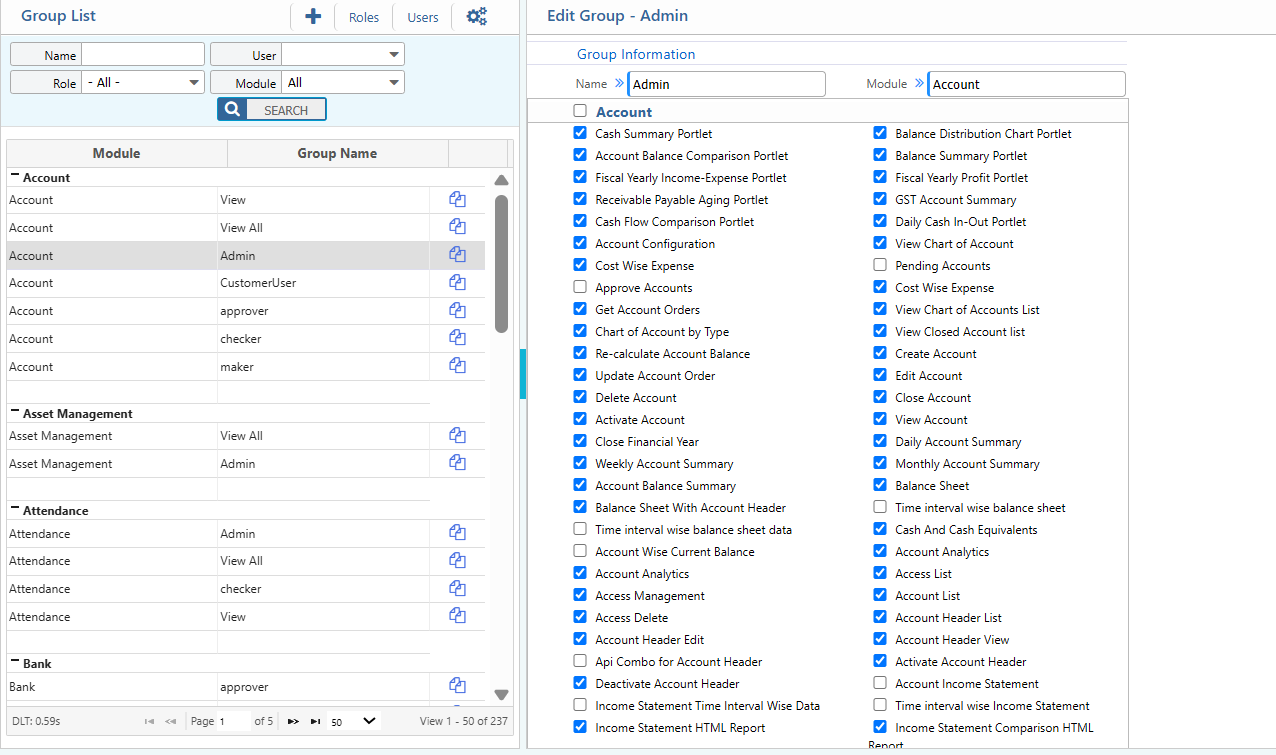
- These specific groups can be assigned to specific roles. Only users with those roles will receive the assigned permissions.