Approval Notifications (Mobile & Web)
PrismERP provides workflow notifications through three channels: the web portal, email, and the mobile app. These notifications inform assigned approvers when a document is waiting for their review or approval.
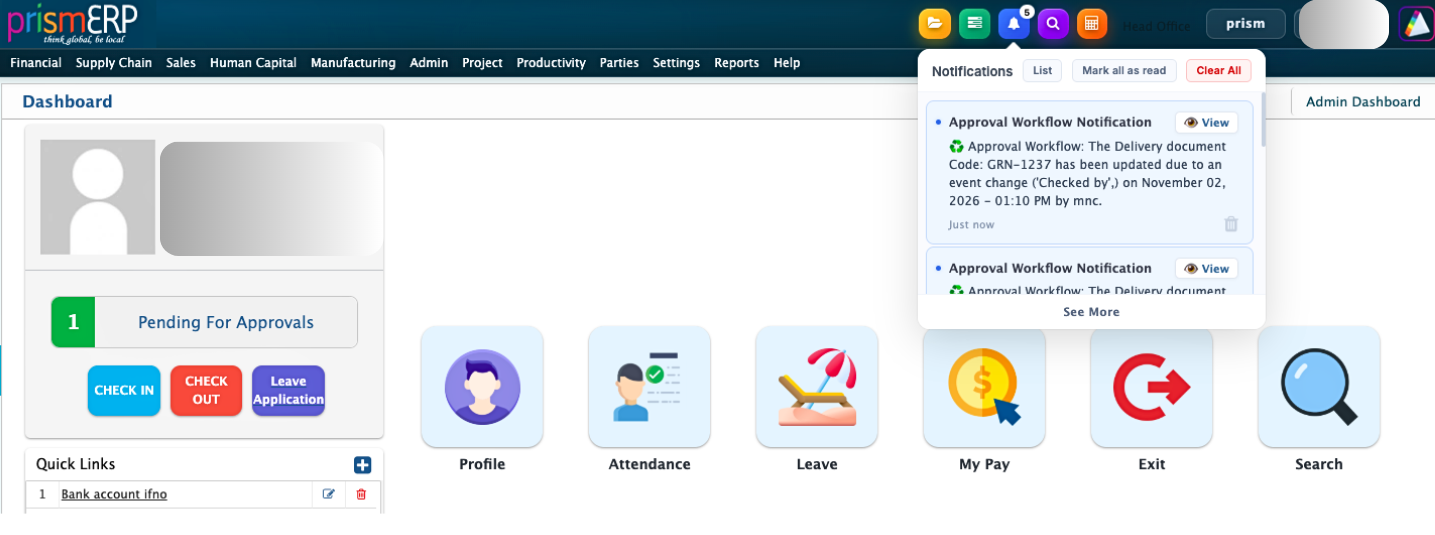
Web Portal Notification: When a document reaches an approver's approval stage, a notification appears in the Notification List on the PrismERP dashboard. The approver can open the notification to view the approval details and take the required action, such as approving or rejecting the document.
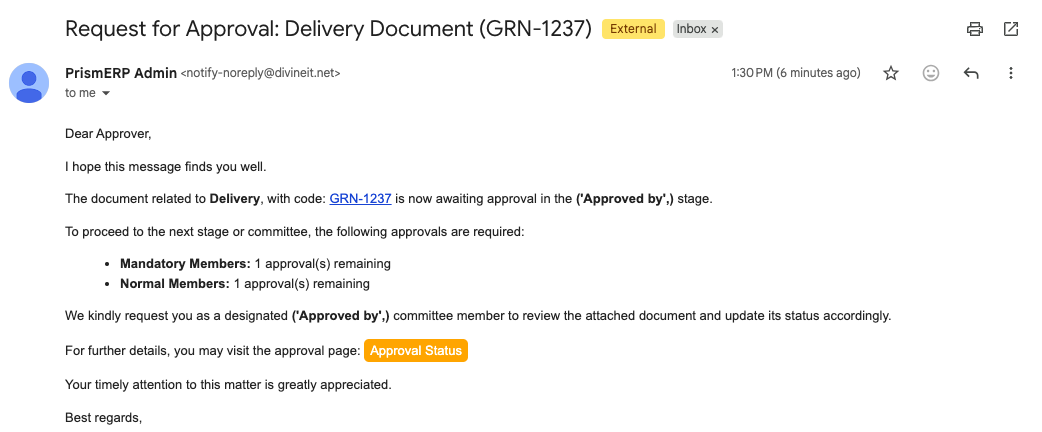
Email Notification: If email notifications are configured, the assigned approver will also receive an email when a document is sent for their approval. The email includes the document type, the current approval stage, and how many approvals are still required from mandatory and normal members. It also includes links to the document and the Approval Status page, so the approver can easily access the details and take the necessary action.
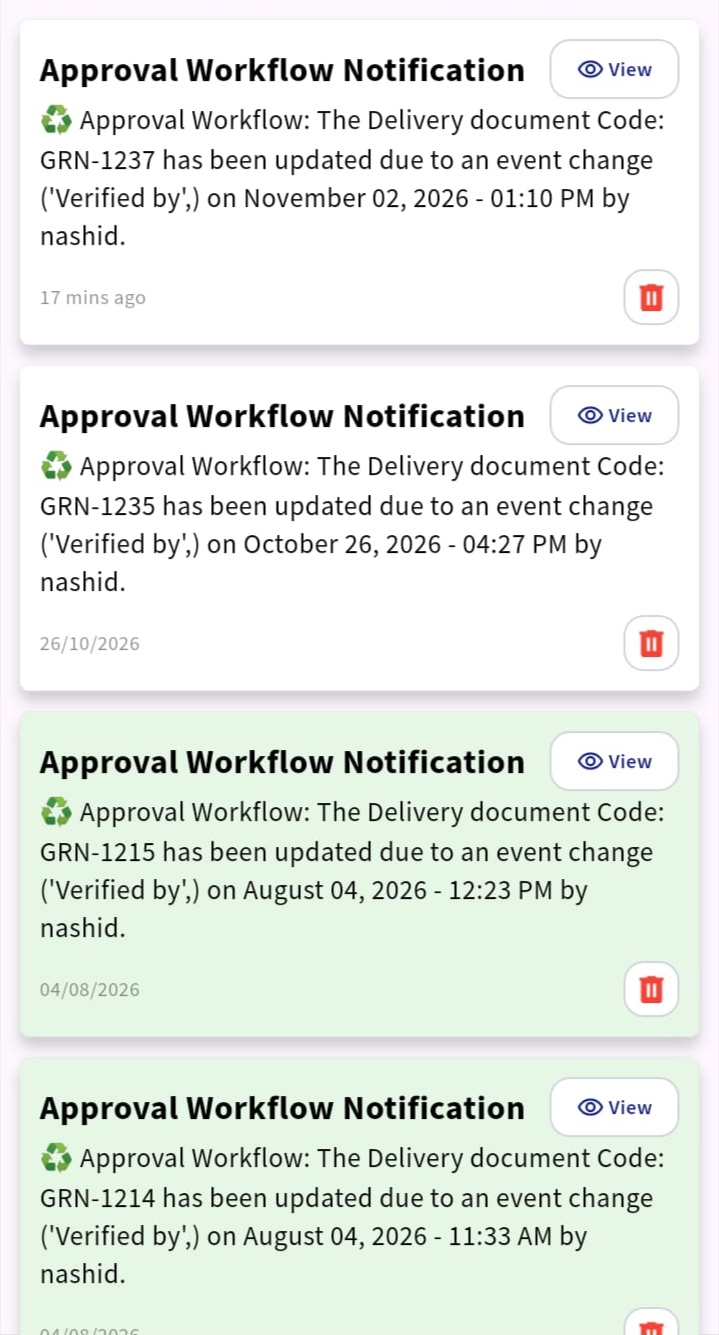
Mobile App Notification: For mobile notifications, users must have access to the PrismERP Cloud mobile app and log in using their account. Once logged in, they can receive workflow notifications on the mobile app when a document requires their approval.