Incentive Calculation Rules
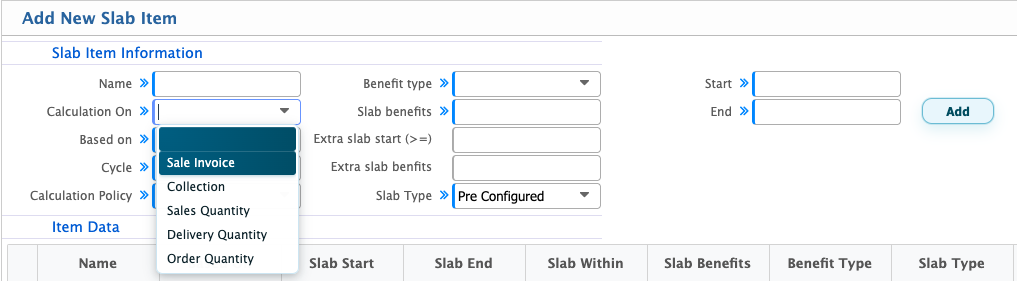
Calculation On
The Calculation On option determines which sales activity or transaction value PrismERP will consider when calculating the sales incentive. The calculation basis depends on the organization's incentive policy. Users can select one of the following options:
- Sale Invoice: The incentive is calculated based on the sales invoice amount. The system considers the value of the invoiced products when determining the incentive.
- Collection: The incentive is calculated based on the amount collected from customers against their outstanding invoices. The incentive is linked to the actual collection rather than only the invoiced amount.
- Sales Quantity: The incentive is calculated based on the quantity of products sold. The system considers the total sales quantity recorded in the relevant sales transactions.
- Delivery Quantity: The incentive is calculated based on the quantity of products delivered to customers. The incentive calculation follows the delivered quantity rather than the ordered or invoiced quantity.
- Order Quantity: The incentive is calculated based on the quantity of products ordered by customers through sales orders.
Slab Type
The Slab Type determines how and when the incentive slab details are configured and applied to sales transactions. PrismERP provides two options: Pre-configured and On Demand.
Pre-configured
With the Pre-configured option, users set up the incentive slabs in advance through the Slab Item configuration. Once the slab and sale incentive configuration are ready, users first create the relevant sales documents based on the selected calculation basis. For example, if the calculation is based on Sales Quantity, users need to create the relevant sales transactions and record the sold quantities. If it is based on Delivery Quantity, they need to create the delivery documents.
After recording the sales transactions, users create a Sale Incentive Process for the required period and select the applicable incentive configuration. PrismERP then checks the recorded transactions against the pre-configured slab ranges and calculation policy to calculate the incentive amount.
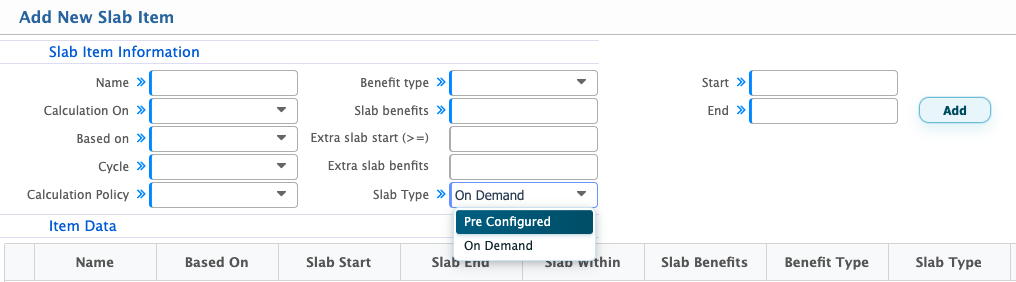
On Demand
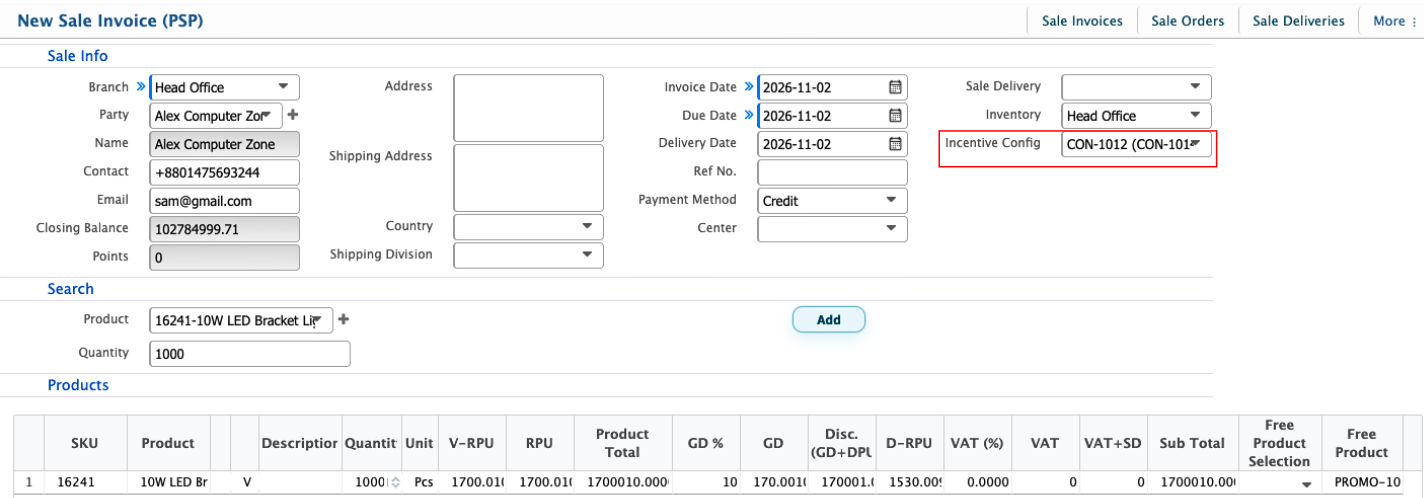
With the On Demand option, users still need to configure the incentive details, including the slab information and calculation rules, in advance. The difference is in how the configuration is applied. Instead of creating a separate Sale Incentive Process after recording the sales transactions, users can select and tag the configured Sale Incentive Configuration directly to the relevant sales document.This means the incentive configuration is linked to the sales transaction at the time of document creation or processing. The system then applies the configured incentive rules to that transaction.