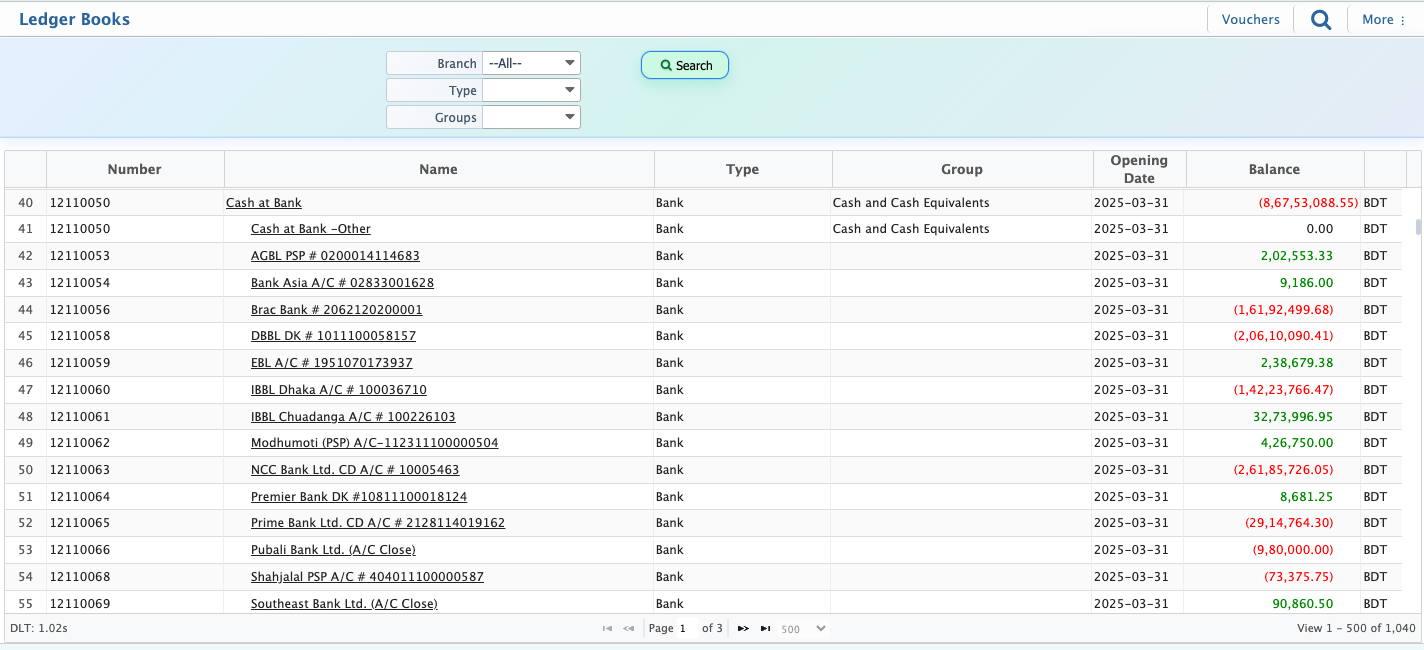
📚 General Ledger
PrismERP General Ledger provides a complete, chronological view of all financial transactions. Users can filter by account type, basic category, and date range, while accessing Ledger Books for detailed account insights. The Ledger Books lets businesses view accounts, check vouchers, generate reports, and recalculate balances for accurate, transparent financial tracking
| Features | Description |
|---|---|
| Basic | Select the basic account category: Asset, Liability, Income, Expense, Equity |
| Type | Filter by account type: All, Account Receivable, Current Asset, Fixed Assets, Bank, Inventory, Prepaid Expense, Cash |
| From | Select the start date for transactions to include in the report |
| To | Select the end date for transactions to include in the report |
| Ledger Books | View the ledger books |
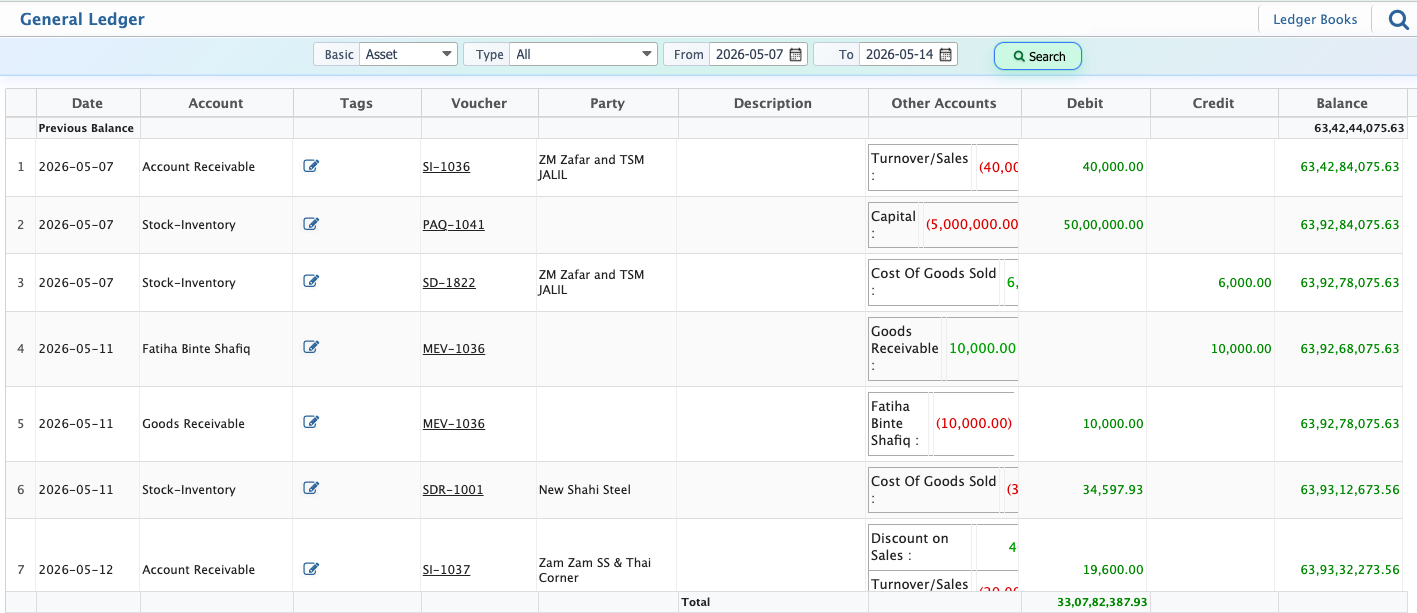
Ledger Books
| Feature | Description |
|---|---|
| Type | Filter accounts by type (AccountReceivable, CurrentAssets, FixedAssets) |
| Group | Filter accounts by account group or category |
| Vouchers | View all vouchers and transactions associated with an account |
| Report | Generate or download the ledger report |
| Recalculate Account Balance | Recompute balances to ensure data accuracy |
| Re-Build Accounts Tree | Refresh and rebuild the hierarchical structure of accounts |