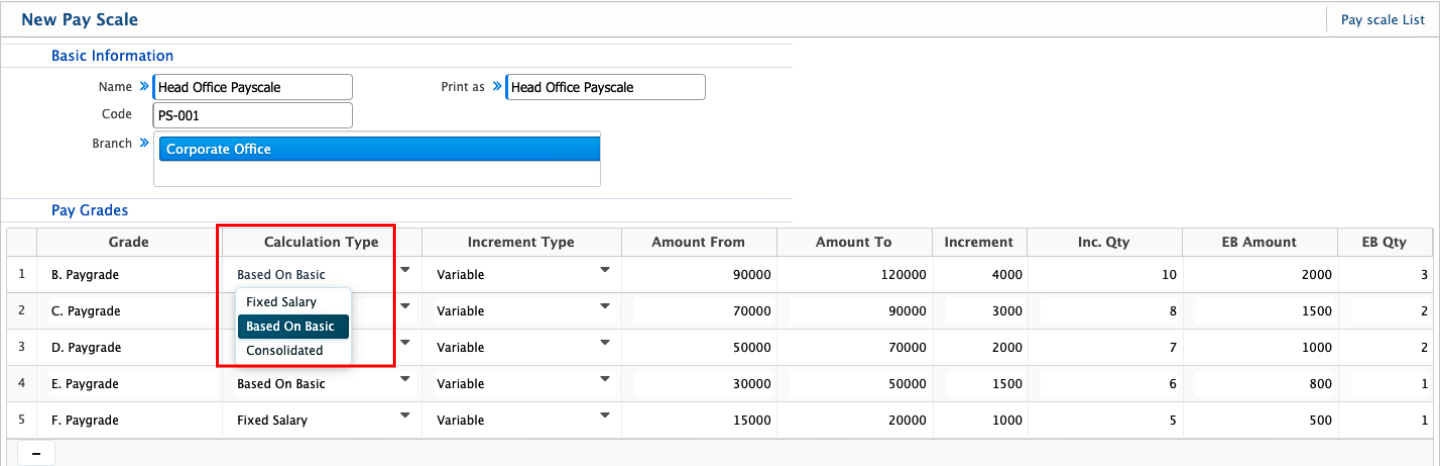
Payscale Calculation
In PrismERP, Pay Scale calculation defines how salary values are structured and applied within a pay scale. The system provides three calculation types: Fixed, Consolidated, and Based on Basic, each controlling how the salary range and related fields behave during configuration.
Fixed is used when the salary structure is set as a fixed value within the pay scale. When this option is selected, the system restricts changes to certain range fields, and the Amount From field becomes non-editable. The salary values are treated as predefined and do not depend on variable calculations.
Consolidated is used when the total salary is considered as a single combined amount. In this case, all salary components are treated together within the pay scale structure instead of being broken into separate parts like basic or allowances.
Based on Basic calculates the pay scale using the employee’s basic salary as the reference point. Other values in the structure are derived from the basic pay according to the defined increment rules and salary range setup.
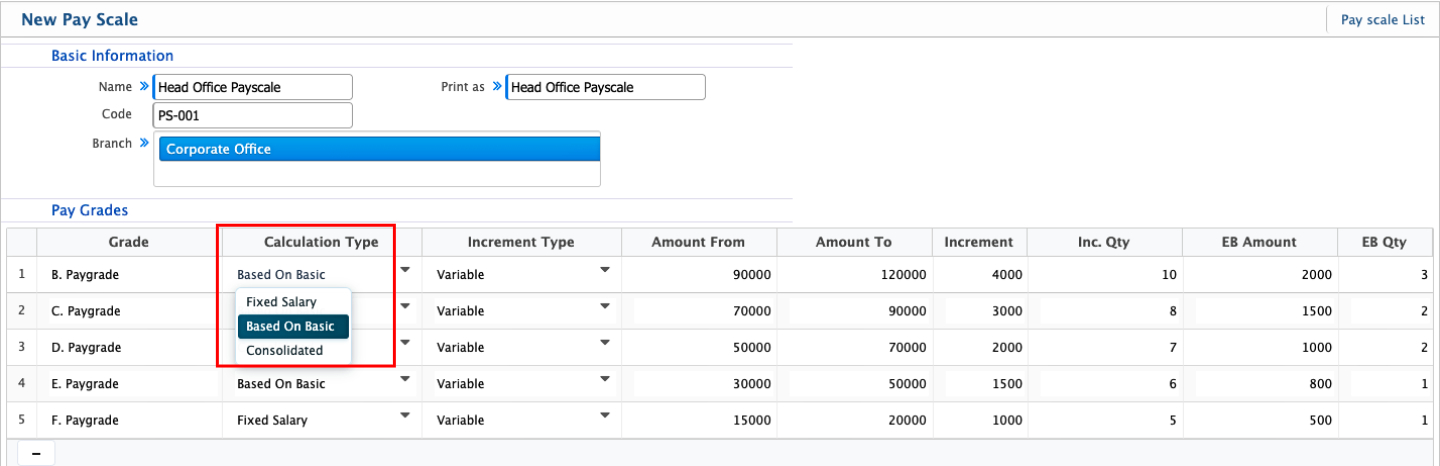
Pay Scale Increment Types
In PrismERP, the Pay Scale Increment Type defines how salary increases are applied within a pay scale structure. It determines whether increments follow a predefined pattern or change based on configured conditions. The system provides two types: Fixed and Variable.
Fixed increment type is used when the increment amount remains constant within the pay scale. Each step or level follows the same defined increment value, and the progression remains consistent across the structure.
Variable increment type is used when the increment value can change within the pay scale. The increment may vary depending on the defined salary range, pay grade configuration, or other setup conditions within the structure.