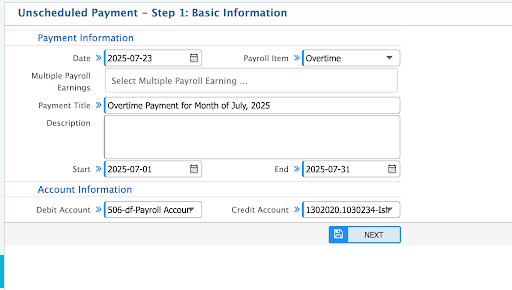
Overtime Management
The Overtime Management feature in PrismERP enables organizations to define, track, approve, and compensate employees for working beyond their standard working hours. It supports both scheduled and unscheduled OT, automates calculation based on punch data, and integrates seamlessly with Payroll. This module ensures accurate OT compensation aligned with labor policies and internal approval workflows.
How to Use This Feature in PrismERP
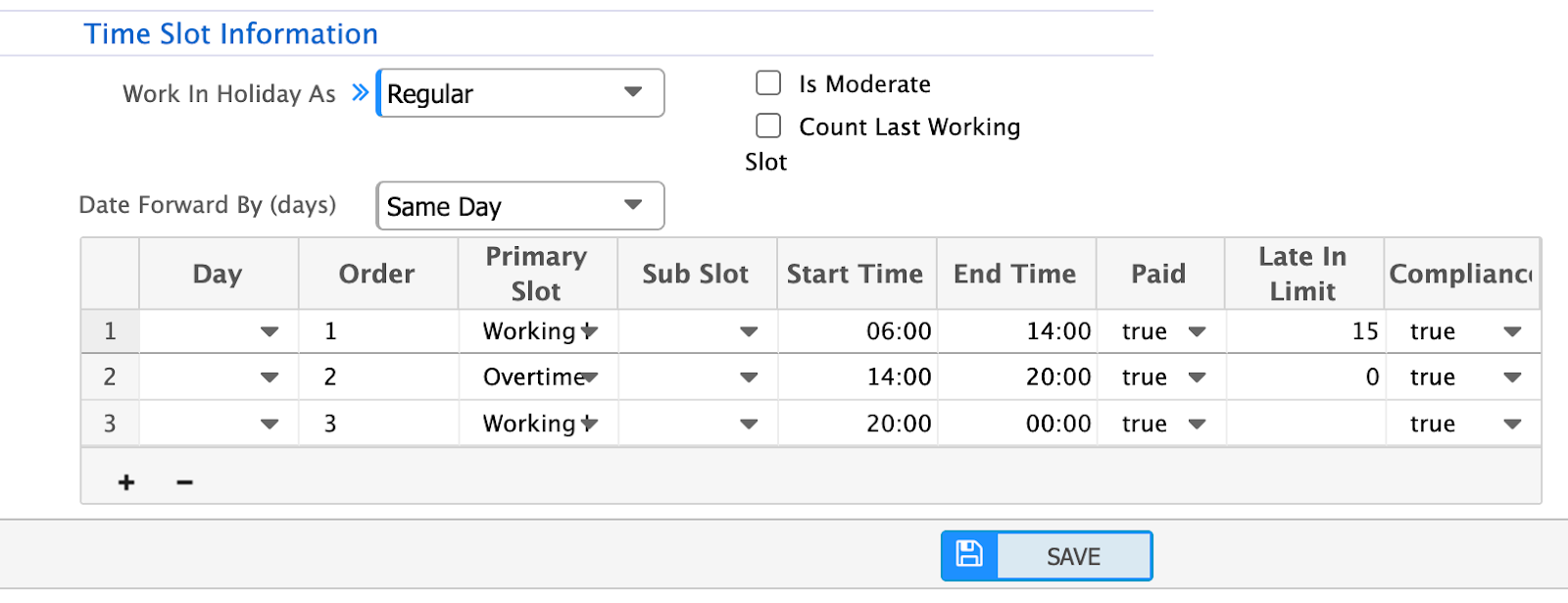
A. Define Overtime in Shift Setup
- Set “OT Start After” time (e.g., shift end + grace).
- Define max OT hours per day.
- Select OT calculation method: Full hour, half-hour, etc.
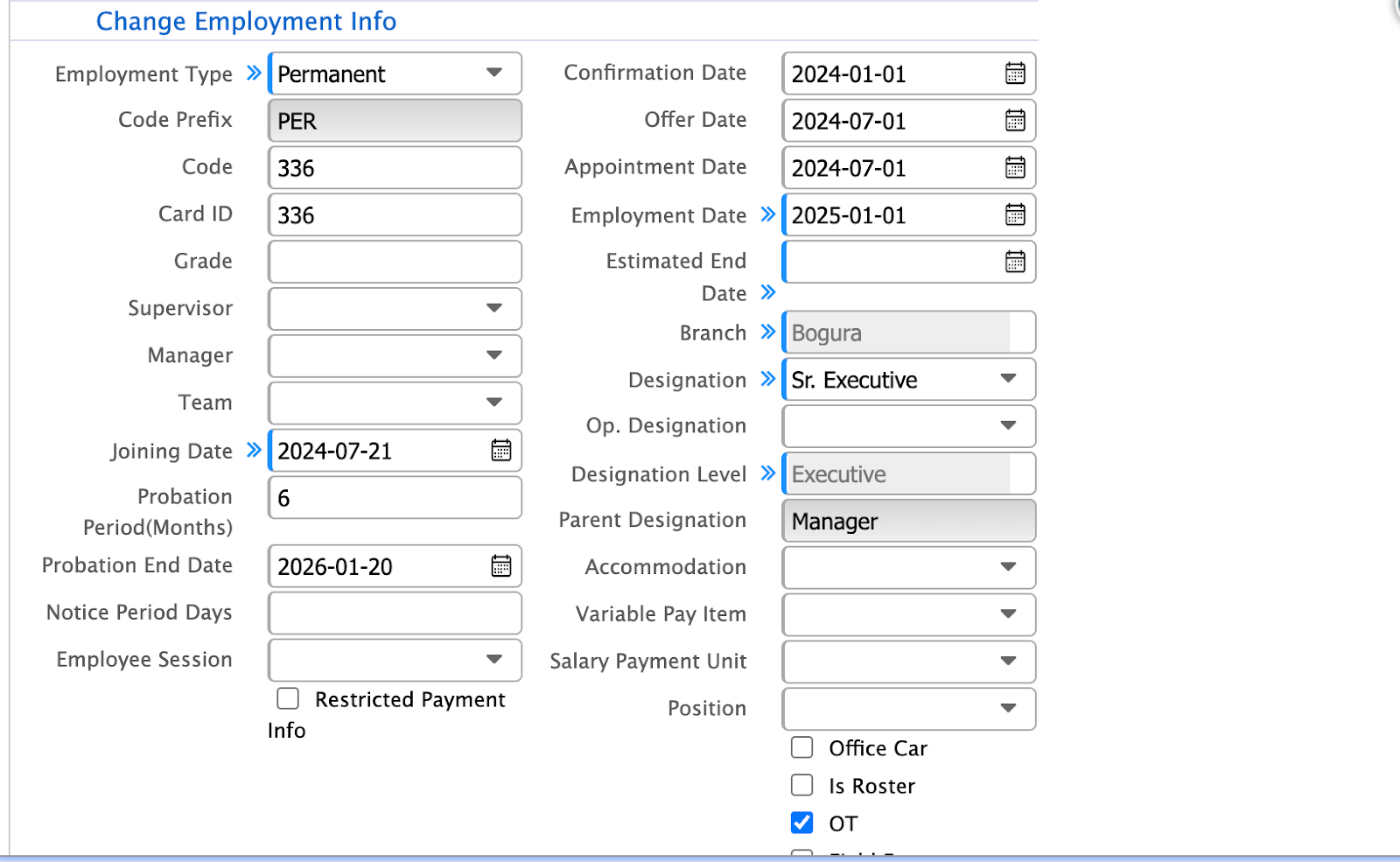
B. Tag OT Eligibility in Employee Profile
- Set “Eligible for Overtime” = Yes/No.
- Define applicable OT rate if special in employee payscales.
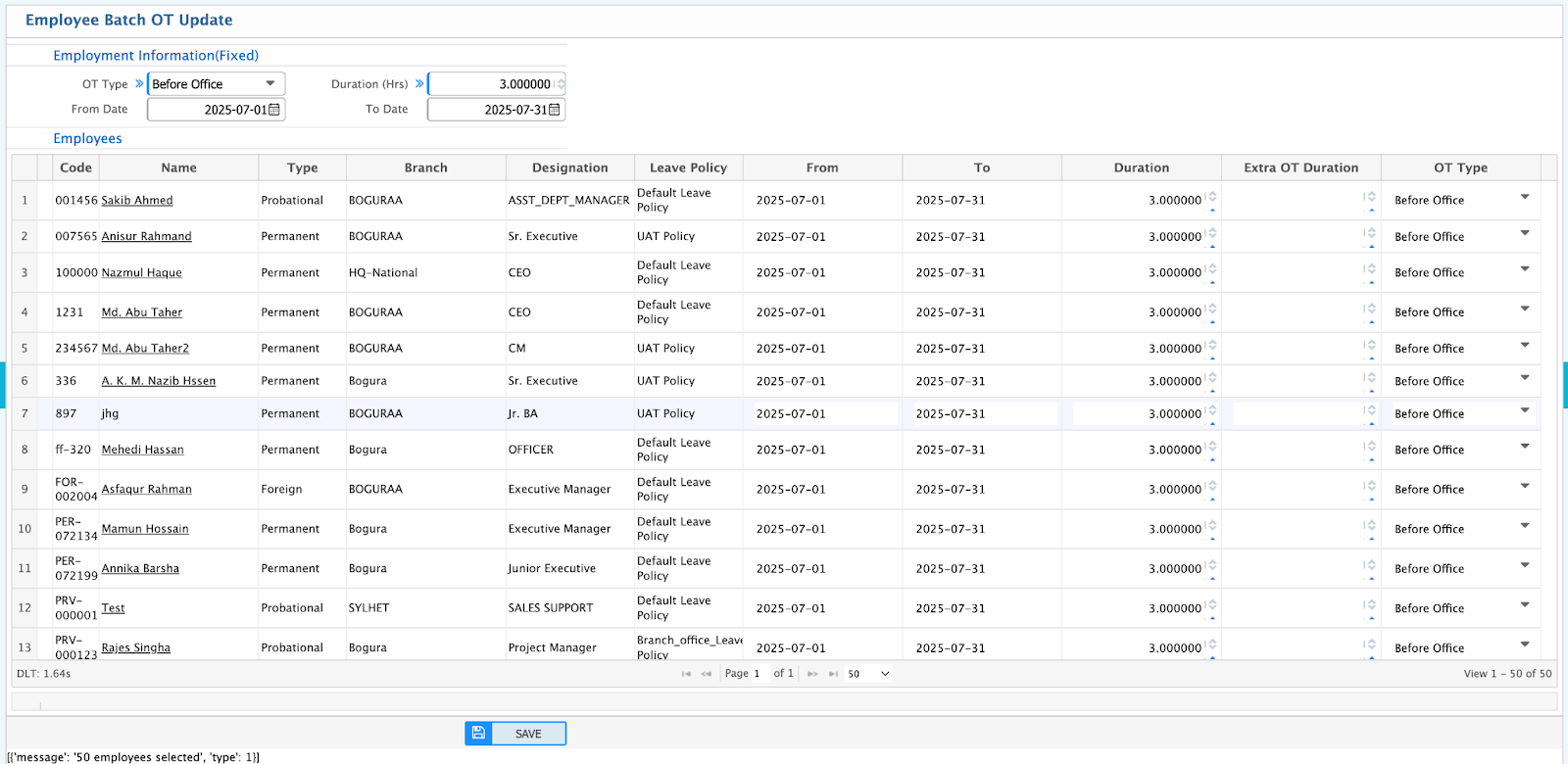
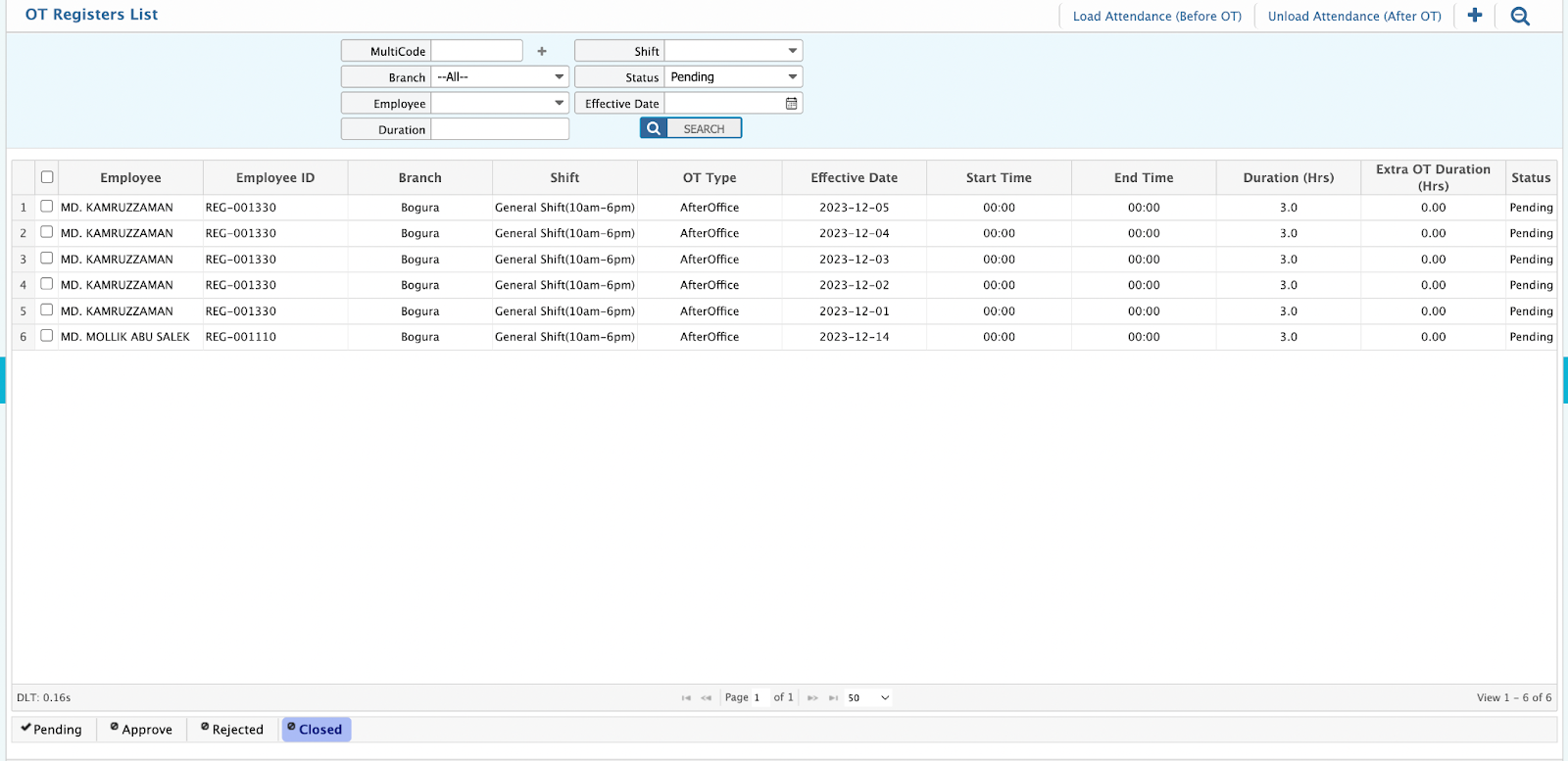
C. Submit Overtime Requisition
- Select Employee
- Enter Date, Start Time, End Time, OT Hour, OT Type
- Follows approval workflow (e.g., Supervisor → HR).
D. OT Approval Workflow
- Approvers review requested OT against attendance logs.
- Option to approve, reject, or modify hours.
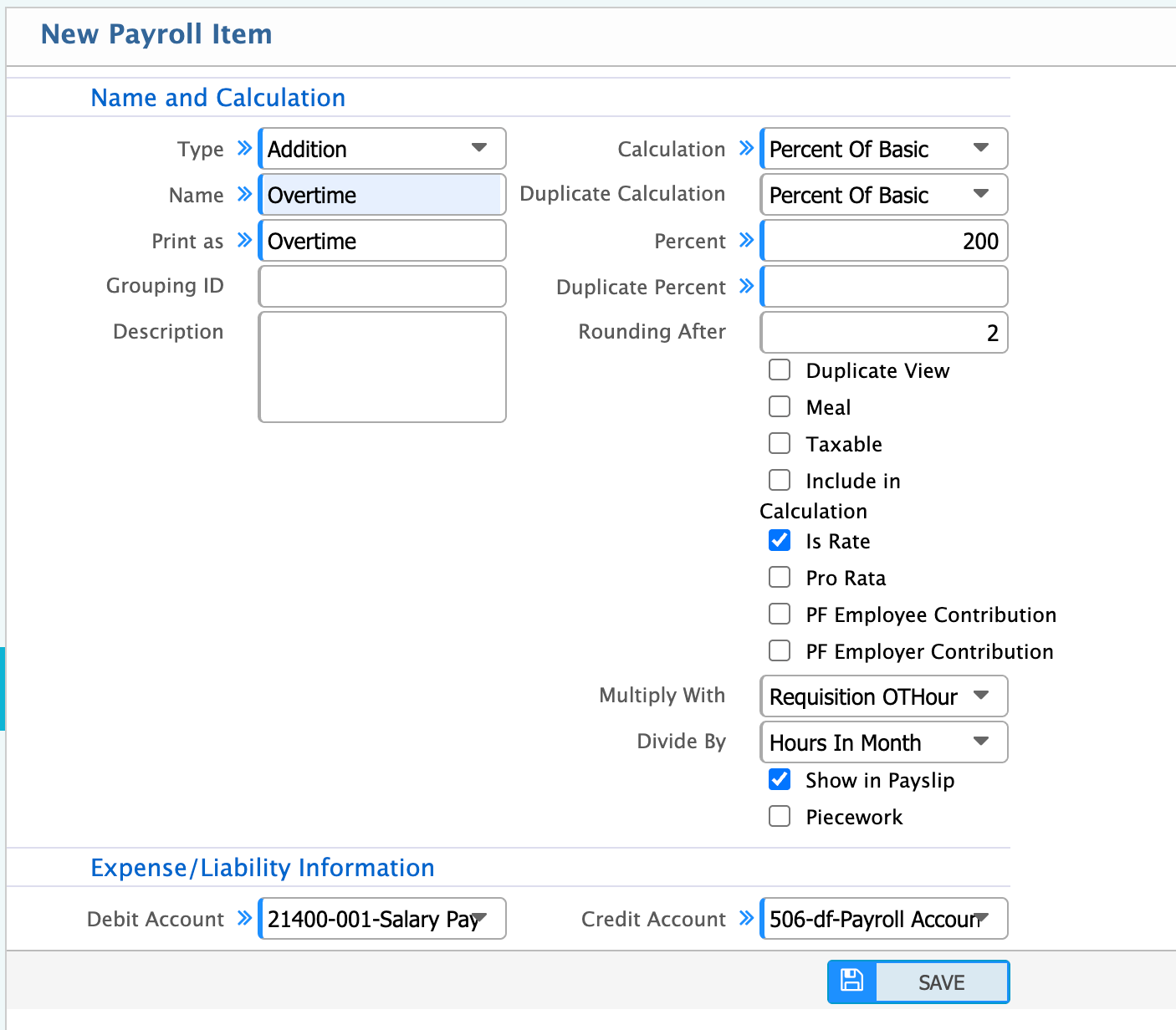
E. Payroll OT Configuration
- Enable OT Payment.
- Define OT Payment Method:
- Scheduled Payroll: Add OT to regular monthly payroll.
F. Process OT Payment
- OT amount auto-calculated based on approved hours × rate.
- Appears as separate head in salary slip.