Special Leave & Notice Settings
Special Leave & Notice Settings in PrismERP Leave Policy is used to configure special leave types like study leave and Hajj leave along with their eligibility and usage rules. It also defines notice rules for advance leave applications, including duration range, application timing, and applicable employee groups.
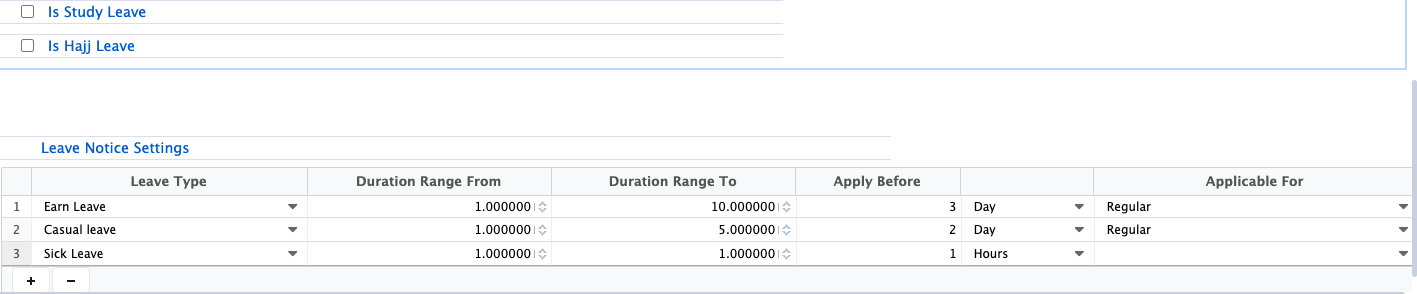
In this section, users can enable and configure special leave types such as study leave and Hajj leave based on organizational policy. Study leave settings define eligibility conditions such as how many years before retirement the employee can apply. Hajj leave includes a defined quota that controls how many times it can be availed during service.
Below this, leave notice settings are configured to control advance application rules for different leave types. Users can define the leave type, duration range, and how many days in advance the leave must be applied. These rules help ensure proper planning and approval flow before leave is granted. Additionally, applicability settings define which employees or leave categories these notice rules apply to.
| Field | Action |
|---|---|
| Is Study Leave | Enable or disable study leave as part of the leave policy for employees. |
| Eligibility Before Retirement (Years) | Define how many years before retirement an employee becomes eligible for study leave. |
| Is Hajj Leave | Enable or disable Hajj leave within the leave policy configuration. |
| Hajj Leave Quota | Set the number of times an employee can avail Hajj leave during their service period. |
| Leave Type | Select the specific leave type for which notice rules will be applied. |
| Duration Range From | Define the minimum duration of leave for applying notice requirements. |
| Duration Range To | Define the maximum duration of leave for applying notice requirements. |
| Apply Before | Set the number of days in advance that leave must be applied before the actual leave start date. |
| Applicable For | Define the employee group to which the notice settings will be applied. |
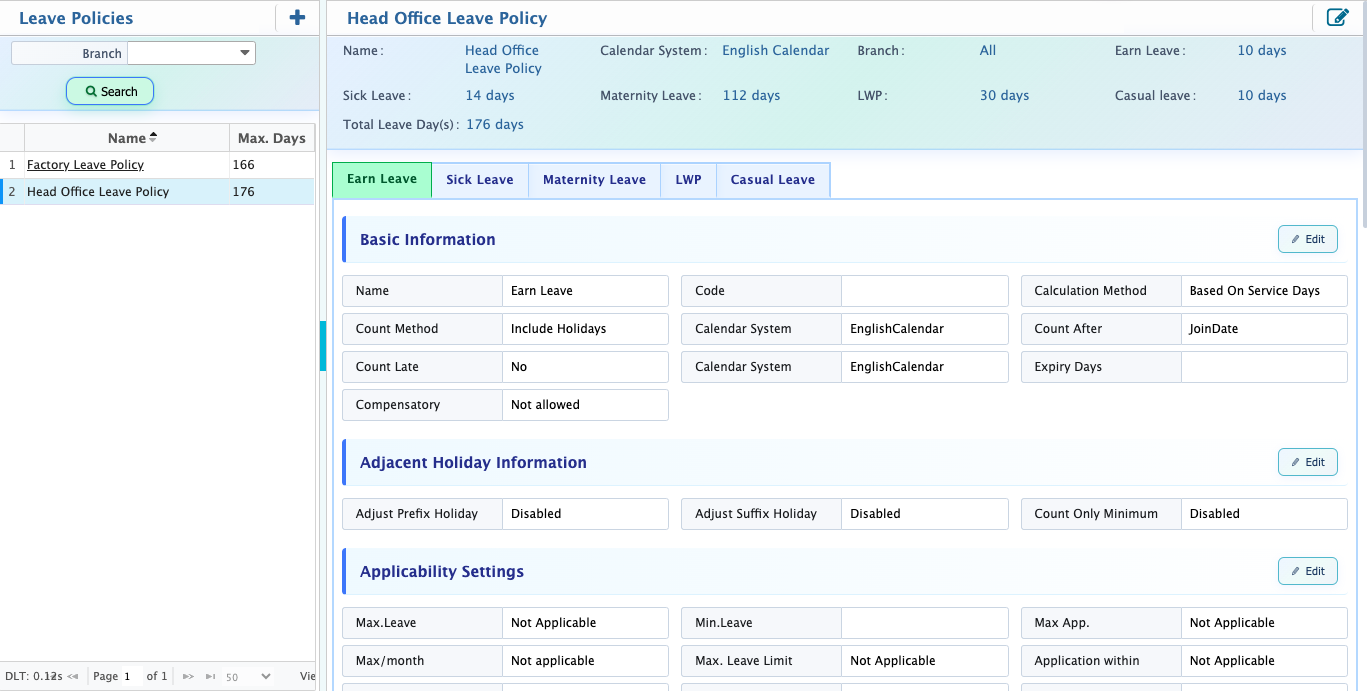
After configuring a Leave Policy users can view all policy settings in a single screen where every configuration is available for review. From this view, users can update leave type inclusion, applicability settings, eligibility rules, restriction settings, accumulation rules, and encashment configurations. They can also modify settings such as leave limits, holiday handling, consecutive leave restrictions, and special leave options whenever required.